
All developers must now complete account verification to comply with the updated Play Console requirements policy.
Google introduced verification requirements for Play Console Developer accounts in mid 2023, and have now begun to enforce them for older developer accounts in order to boost trust and transparency on Google Play. Once you've been verified you'll get a notification in your Play Console Inbox.
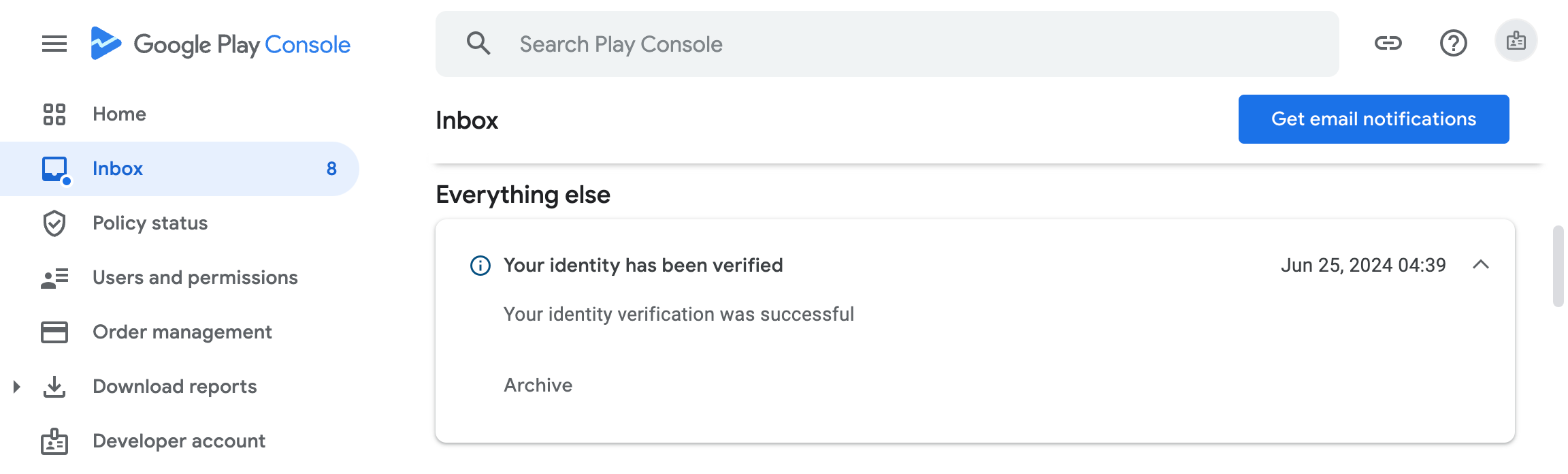
TL:DR – Don't ignore this. If you don't complete verifications by the deadline in your mail from the Play Console Team, your Developer Profile and apps will be removed from Google Play.
Contents
- What you need to provide to verify your Play Console developer account
- Step by step – verifying your Play Console developer account
- Be the Owner
- Confirming an organizaton account
- Link a payments profile to verify your organization
- Check your organization information
- Confirm your contact information
- Confirm your developer information
- Review your developer profile information
- What can I do if I don't have access to the owner email account
- Google Play Academy Certified
- Store Listing Certificate
What you need to provide to verify your Play Console developer account
- a DUNS number for your organisation. Make sure that the information that Dun & Bradstreet hold about your organisation is accurate and up to date.
- a phone number and email address for Google Play users to contact you
- a phone number and email address for Google to contact you
- an official document to verify your identity
- an official document to verify your organisation
- If you earn money on Google Play using Google Play Billing, you'll also need to verify your merchant payment details.
Step by step – verifying your Play Console developer account
Be the Owner
- Right away you may bump in to an issue. You need to the the Account owner in order to proceed with the verification.
- The Account owner is the account which originally set up the Google Play developer account and paid the one time fee at that time.
- Once you've got access, Sign in to Google Play as the account owner.
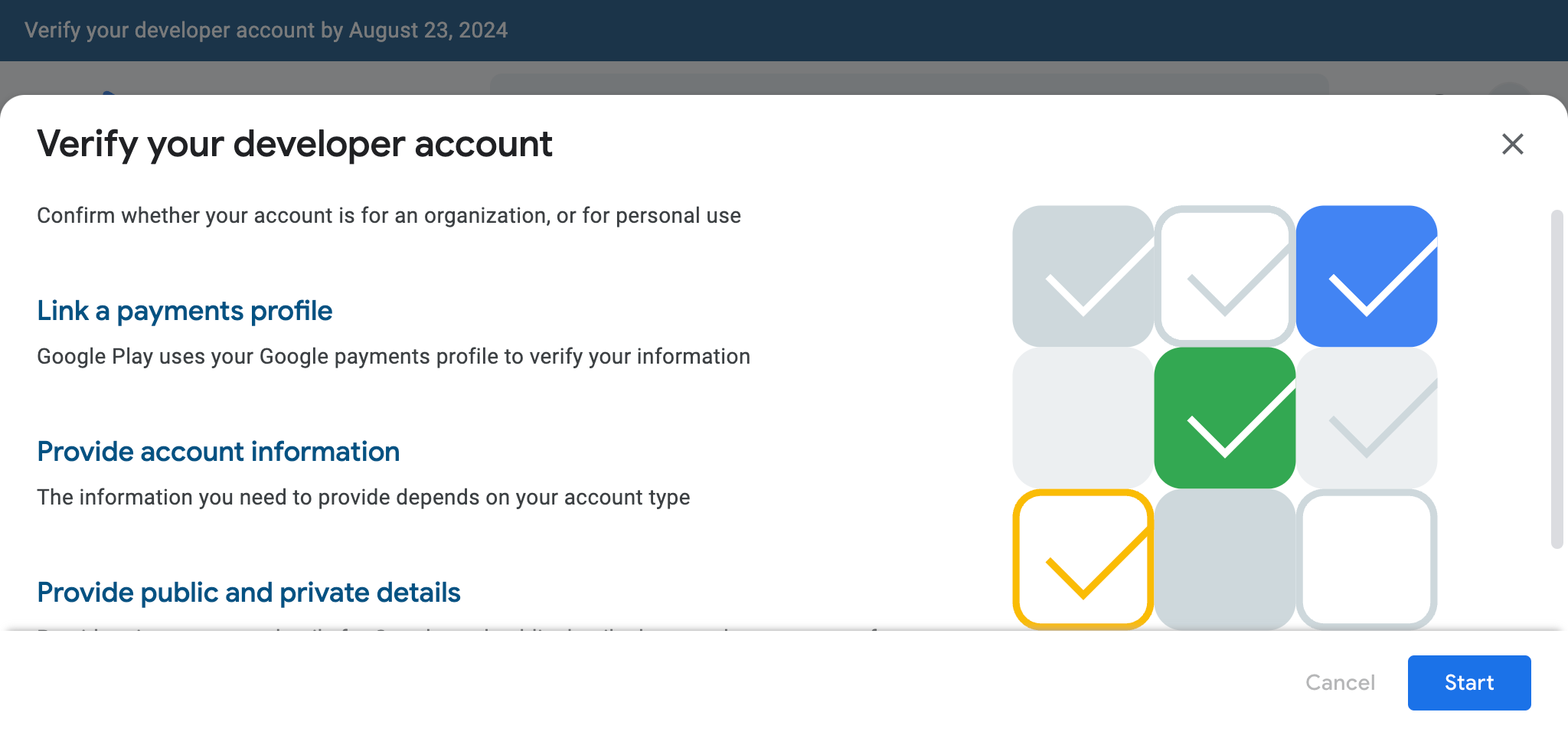
- Click Get Started
- Click Start

Confirming an organizaton account
You are going to need to confirm the type of account, provide account information and details for google and for publication on the Play Store, as well as a link to your payments provile if you have one. The first step is to confirm whether your developer account is for an organization, or whether it's for personal use. The account verifications you'll need to complete depend on your account type. Mine is for an organisation.
- Select Organization account
- Click Next

Link a payments profile to verify your organization
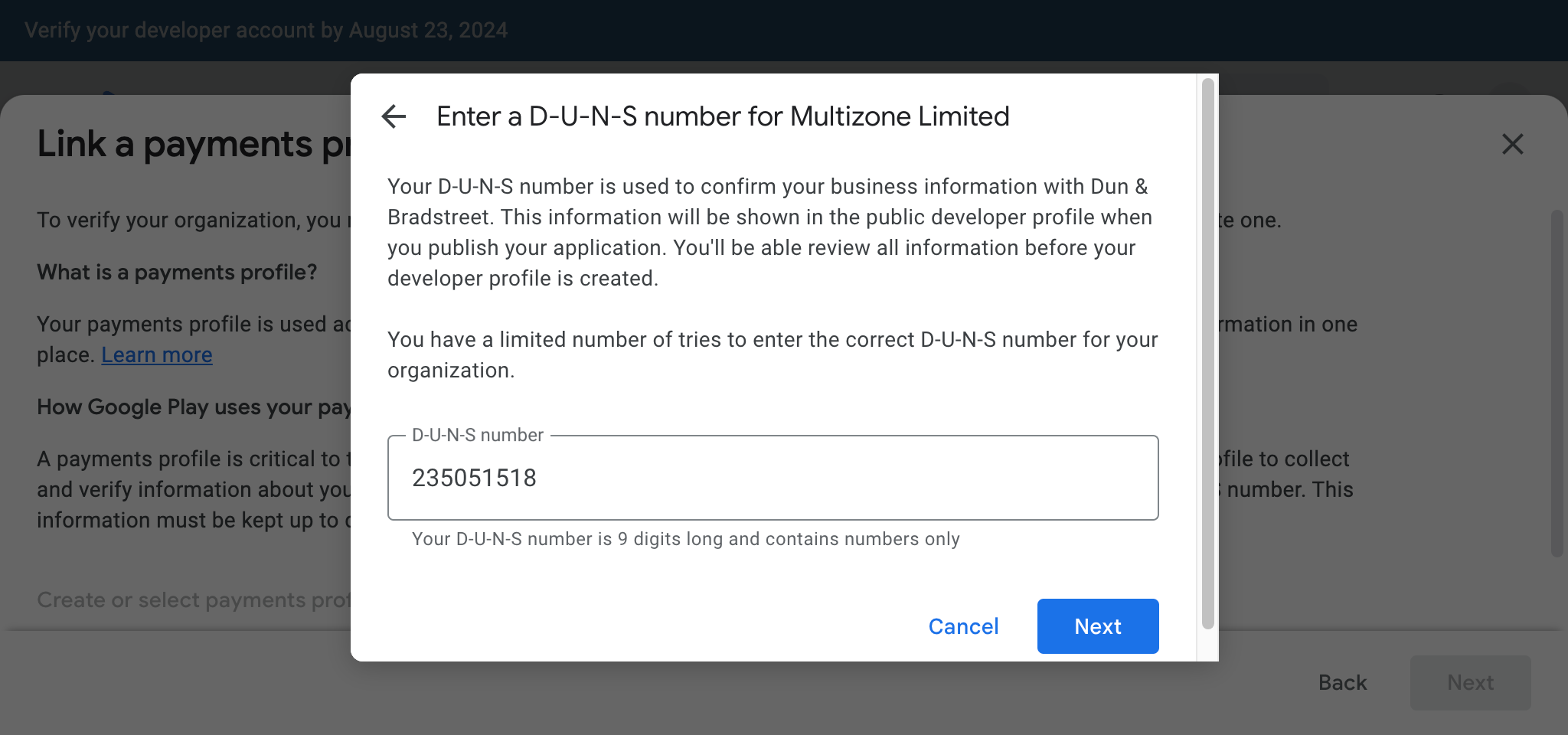
To verify your organization, you need to link a Google payments profile which is where your business information is held for all Google products and services. Google Play uses your payments profile to collect and verify information about your organization, including your organization's legal name, address, and associated D-U-N-S number. Your D-U-N-S number will be used to confirm your business information with Dun & Bradstreet. This information will be shown in the public developer profile on Google Play.
- Click 'Create of select payments profile'.
- Select a payments profile You can see I have one already but it is missing a D-U-N-S number.
- Click Continue.
- Enter a D-U-N-S number.
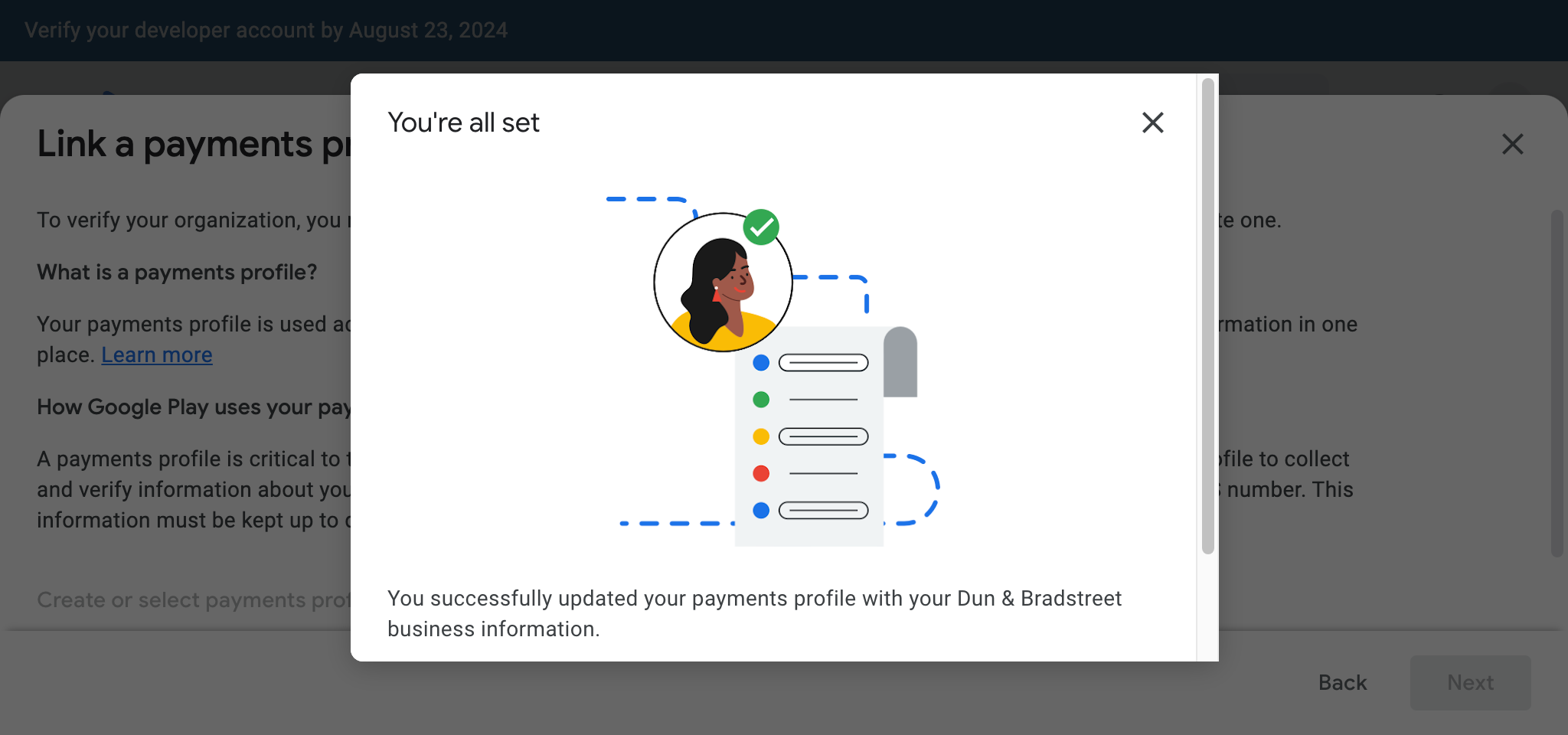
- Confirm your D-U-N-S number information is corect and click 'Confirm' on the confirmation page
- After Confirming, Click 'Next'

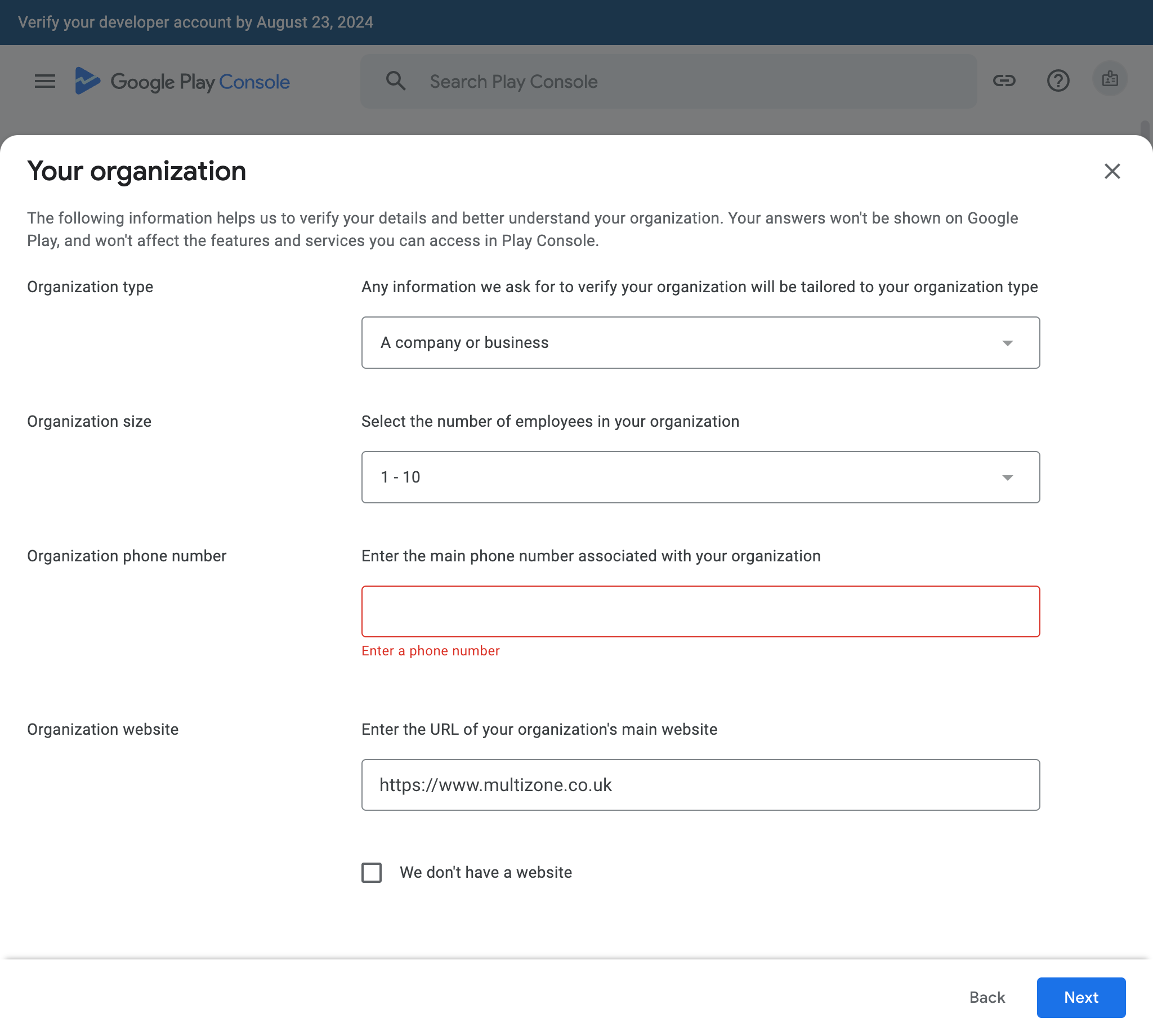
Check your organization information
These elements don't all get shown on Google Play, but help to categorise your organisation for Google.
Confirm your contact information
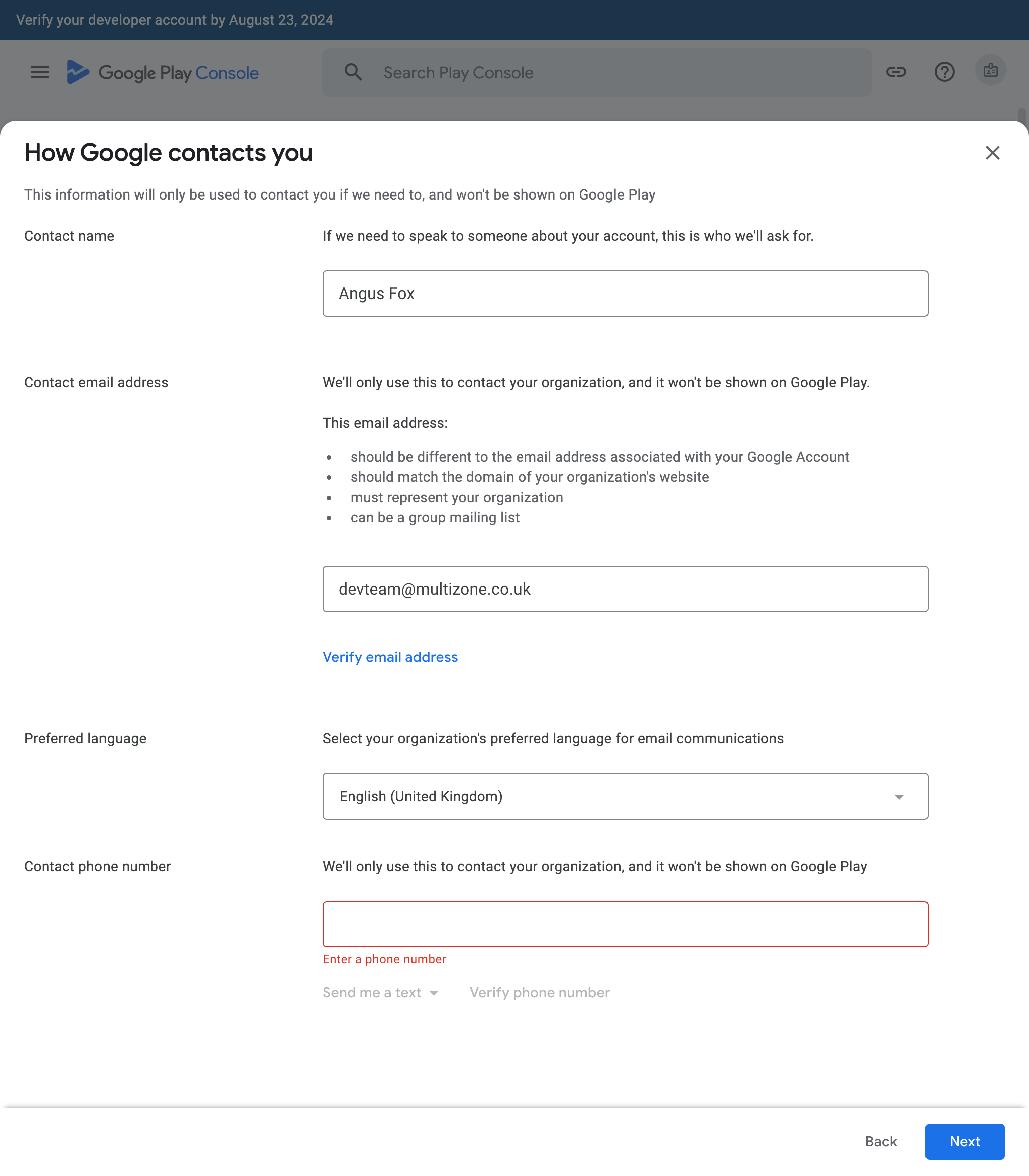
Enter your contact name, email address, preferred language and phone number (again). You'll need to verify your email and phone number.
Confirm your developer information
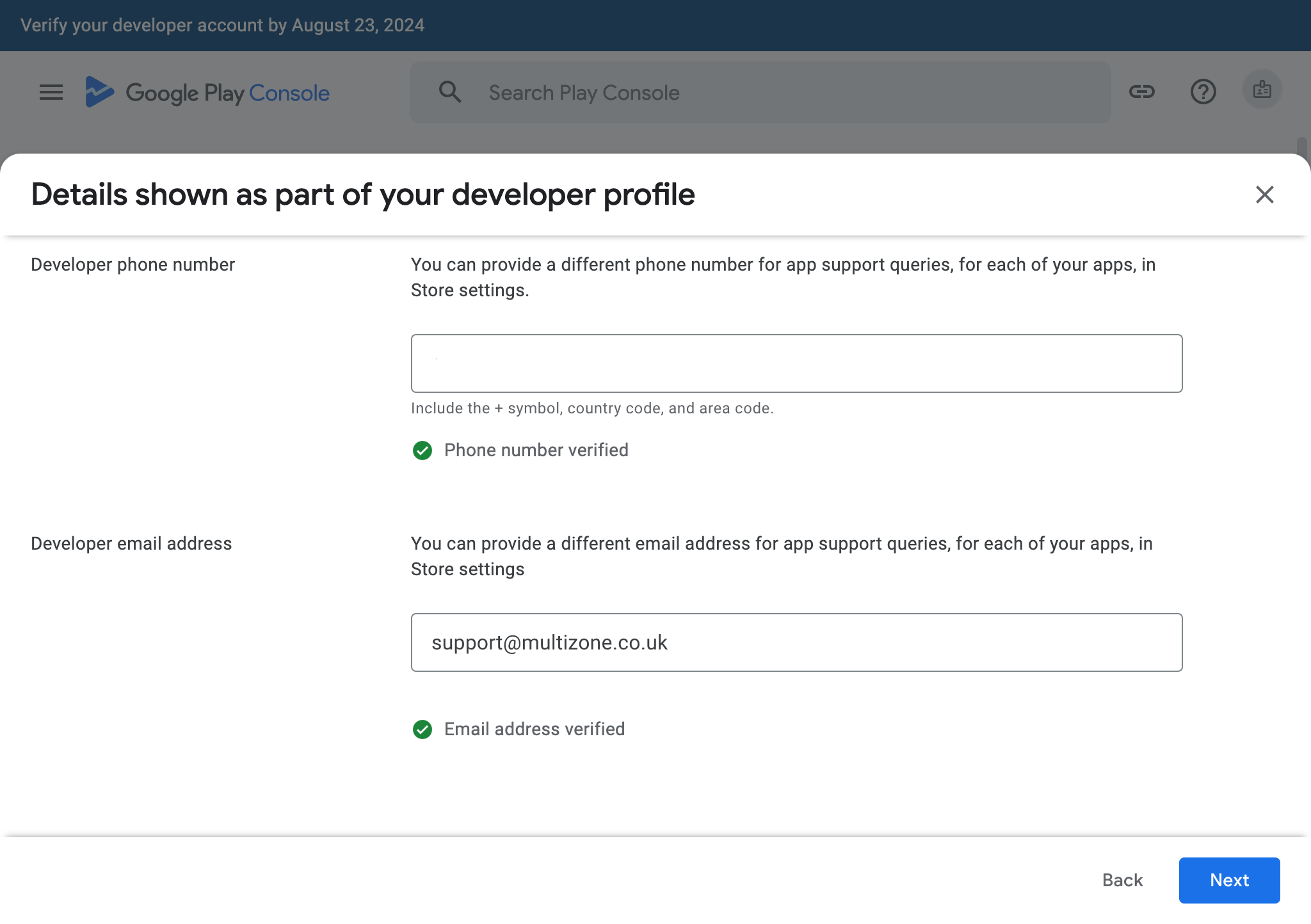
You can enter a different phone number and email address for app support at app level in store settings. This is developer level to be show as part of your developer profile.

Review your developer profile information
The information you provided will be shown on Google Play. You can see an approximation of how it looks in the preview. Note that you can't change it. It comes from your organisation details which must match your D-U-N-S information.
Overall these steps should make for more transparency on the Play Store. Apple has required a D-U-N-S number since the App Store first began and even before that for Apple Developer accounts.
What can I do if I don't have access to the owner email account
You'll have to contact Google. They may offer to transfer your apps to a new developer account. You'll need to follow their instructions to do so but you will lose access to existing financial reports (earnings and estimated sales), order management (including the ability to refund previous orders), and the original owner would no longer be able to manage tester list added to testing tracks. You'll also need a new merchant account for paid apps. Of that sounds plainful it is because it is. Never rush to set up your Googple Play developer account. You will eventually need the owner account email, and you should make sure it will be an email address which will always be available and owned by your organisation.
Google Play Academy Certified
Store Listing Certificate
The Google Play Store Listing is a performance-based exam to measure adherence to best practices on creating a Google Play store listing, tell their app or game's story with their store listing assets, and how to market to a global audience. This certificate corresponds to the skills that a mobile app marketer is expected to have to market their app or game on Google Play.
We are certified. If you need help with Google Play contact us! You can view our certification at https://www.credential.net/