

Running Ubuntu as a virtual machine on your Mac has never been more capable than it is in 2026. Apple's M-series silicon continues to mature as a virtualisation platform, and the Linux ecosystem has kept pace — meaning you can spin up a full, responsive Ubuntu desktop on a MacBook Pro with very little friction. Whether you're targeting Ubuntu 25.04 Plucky Puffin or the newly released Ubuntu 26.04 LTS with its GNOME 50 desktop and Linux Kernel 7.0, the Arm64 experience on Apple hardware is genuinely impressive.
The tool that makes this particularly straightforward is Liviable, a lightweight VM host designed specifically for running Linux on Apple silicon. It takes a refreshingly simple approach: download the app, point it at an Arm64 ISO, configure your resources, and boot. No complex networking setup, no driver wrangling. For macOS virtual machines — including running macOS 26 Tahoe safely in isolation — the companion app Viable covers that use case using the same philosophy.
Virtualisation on Apple silicon has matured rapidly since the early M1 days, shedding most of the rough edges that once made Linux VMs feel like a compromise. Native Arm performance means the GNOME desktop inside a VM feels snappy rather than sluggish, and Rosetta 2 support within Liviable means you can still run Intel binaries inside the Linux environment when you need to. The result is a development stack that genuinely earns its place alongside your native macOS workflow.
This setup suits a wide range of use cases: testing cross-platform applications, compiling Arm-native binaries, experimenting with the latest Linux kernel features, or simply keeping a clean Linux environment that you can snapshot and restore at will. Ubuntu 26.04 LTS also introduces TPM-backed full-disk encryption management and experimental application permissions prompting, making it a more credible choice for security-conscious workflows inside a VM.
TL;DR – Setting up Ubuntu on a MacBook Pro running macOS is straightforward, and once installed you have a fast, fully usable desktop Linux VM at your disposal. Ubuntu 26.04 LTS is the recommended choice for most users in 2026, though Ubuntu 25.04 Plucky Puffin remains a solid option if you want a shorter-term release with familiar tooling.
Contents
Liviable
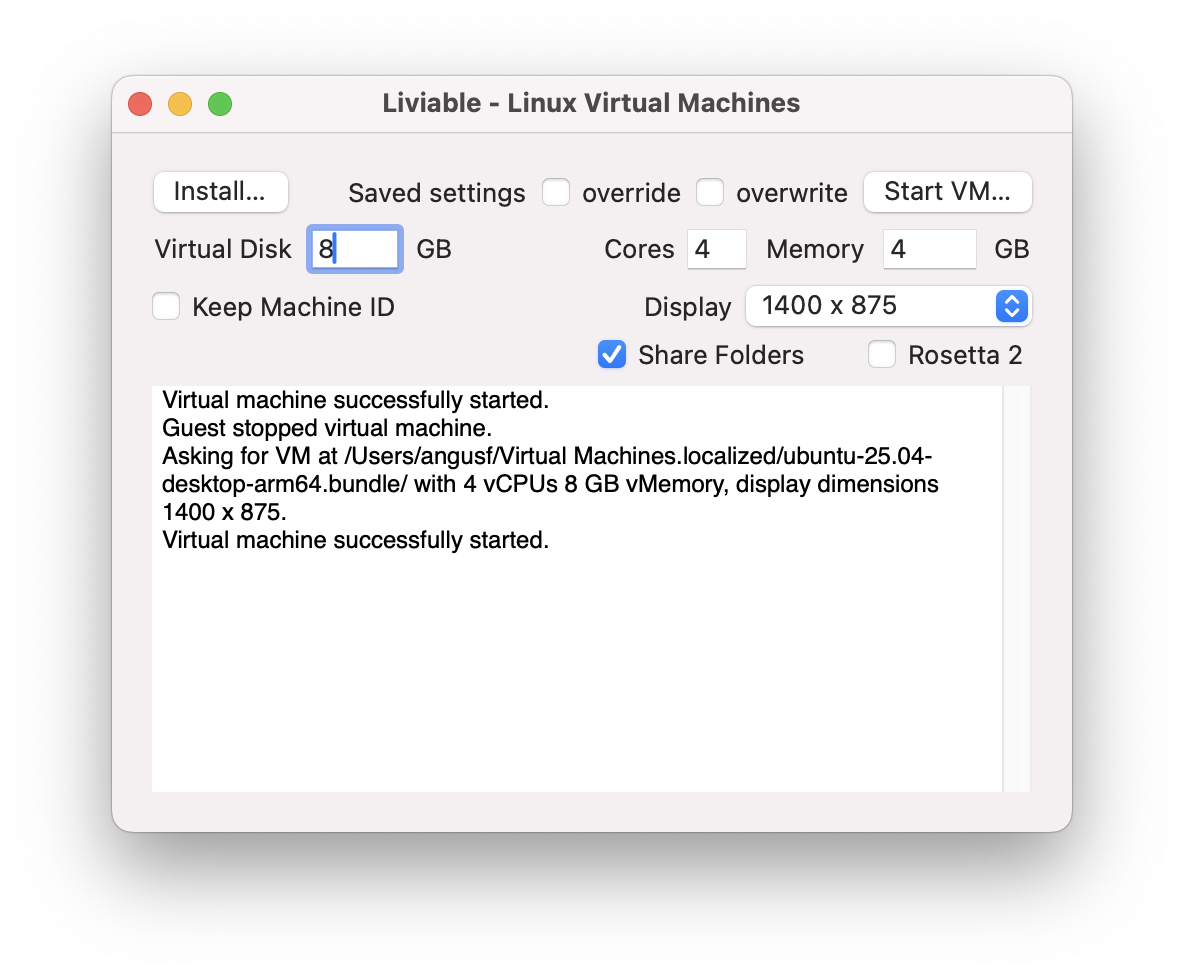
Installation is straightforward. Download Liviable, then download your chosen Ubuntu release — taking care to select the ARM 64-bit architecture. For Ubuntu 26.04 LTS the Arm64 ISO weighs in at 3.9 GB, so budget some download time on slower connections. Once you have the ISO, Liviable handles the rest. I allocated 32 GB of storage, 4 cores, and 8 GB of memory, and the VM runs very comfortably within those constraints.
Liviable is currently at beta 5 (version 1.0.5) and, while it carries the beta label, it has proven robust in day-to-day use. One important note on host OS compatibility: Liviable currently runs on Ventura and Sonoma. If you are on macOS Sequoia or the newer macOS 26 Tahoe, you will want to check the latest release notes before proceeding — Viable, the companion app for macOS VMs, does support Sequoia as a host. Ubuntu has been running continuously on my MacBook for extended periods without issues, which speaks well of where the platform sits right now.
Liviable's Rosetta 2 integration is worth calling out explicitly. Linux on Apple silicon is natively Arm64, but plenty of tooling in the broader ecosystem still ships Intel-only binaries. Being able to run those transparently inside the VM removes a meaningful friction point for developers who can't always control what architecture their dependencies target.
Ubuntu 25.04 or 26.04 LTS?
If you are setting this up fresh in 2026, it is worth pausing to consider which Ubuntu release to target. Ubuntu 25.04 Plucky Puffin is a standard nine-month release — stable, well-supported, and a fine choice if you want the specific package versions it ships with. Ubuntu 26.04 LTS, however, is now available and brings meaningful upgrades: GNOME 50 with improved fractional scaling, Linux Kernel 7.0, a refreshed set of default applications including a new terminal emulator and video player, and five years of standard support with the option to extend to fifteen years via Ubuntu Pro.
For a VM used primarily for development or exploration, the LTS release is generally the more practical choice — you won't need to think about upgrading the base system for years. Ubuntu Pro is free for personal use on up to five machines, which covers most individual developers comfortably. That said, if your workflow depends on specific toolchain versions that 25.04 ships, there is no pressing reason to switch.
Ubuntu installation screenshots
Ubuntu 25.04 Plucky Puffin Arm screenshot slide carousel
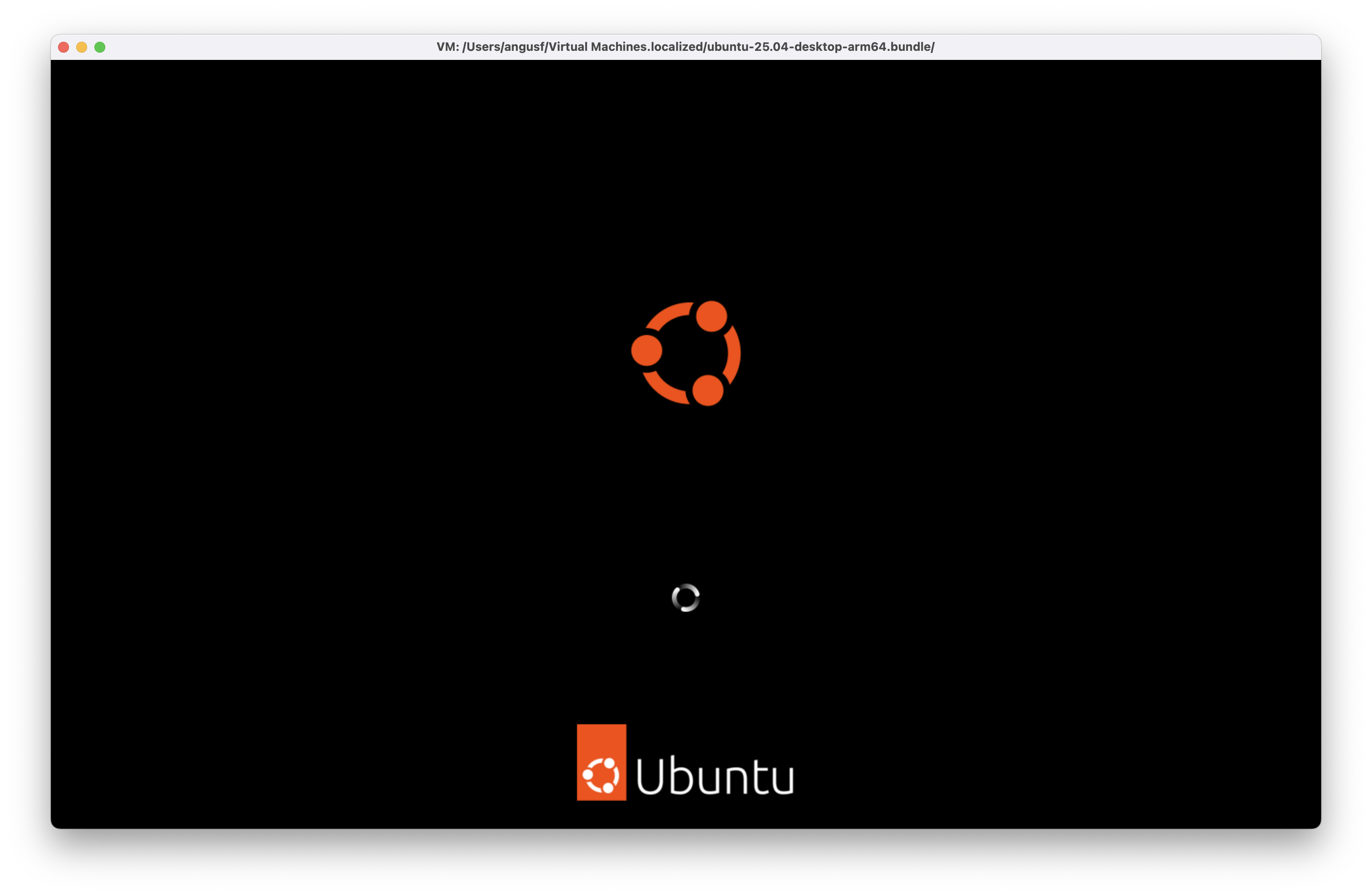
Installing Ubuntu 25.04 for Arm (Plucky Puffin) in a virtual machine on a Maxbook Pro with Apple silicon
This is a slide show of all the screens captured during installation.
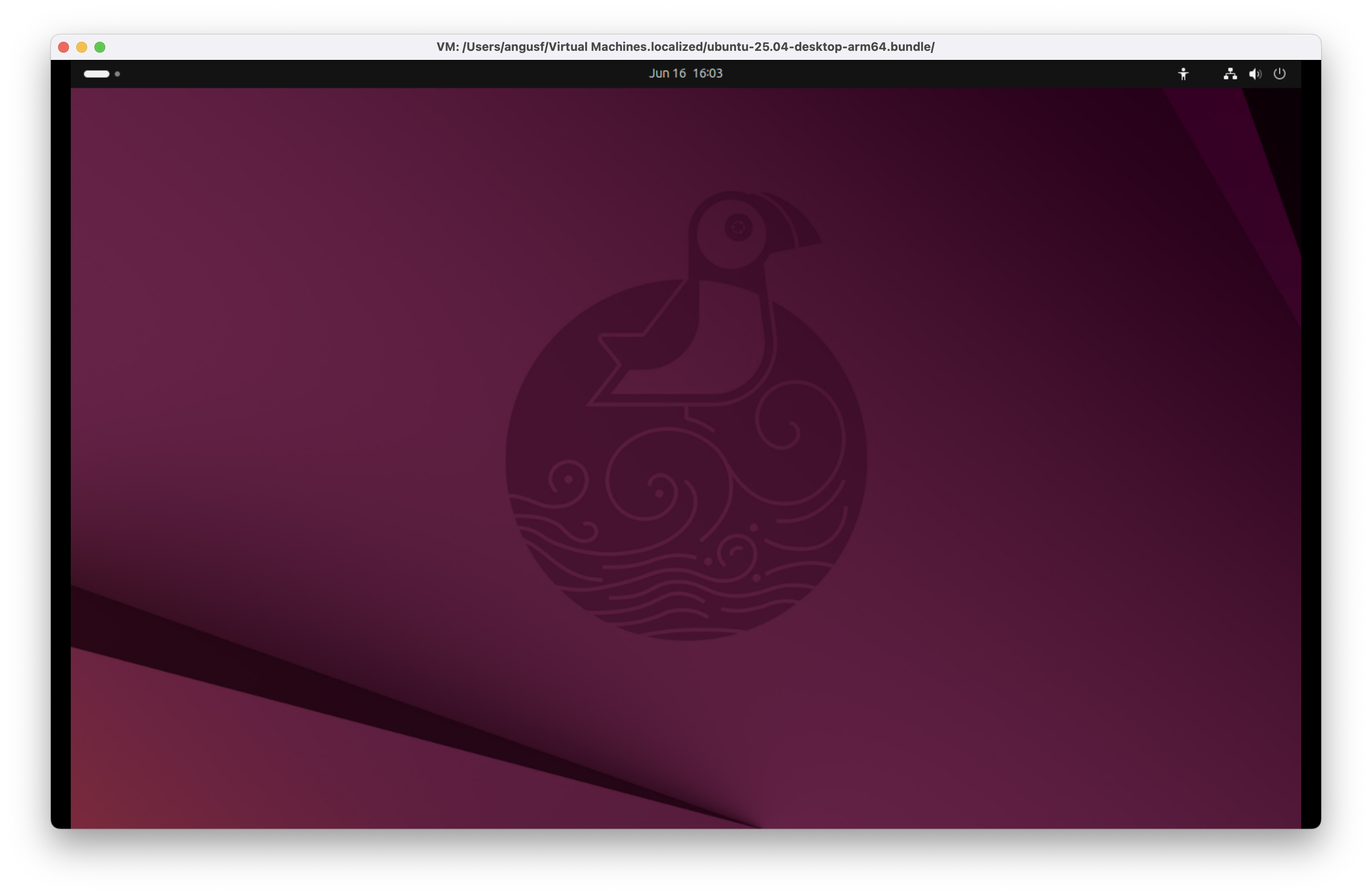
Ubuntu 25.04 for Arm (Plucky Puffin) background
Just before the setup starts the plucky puffin appears as the background.
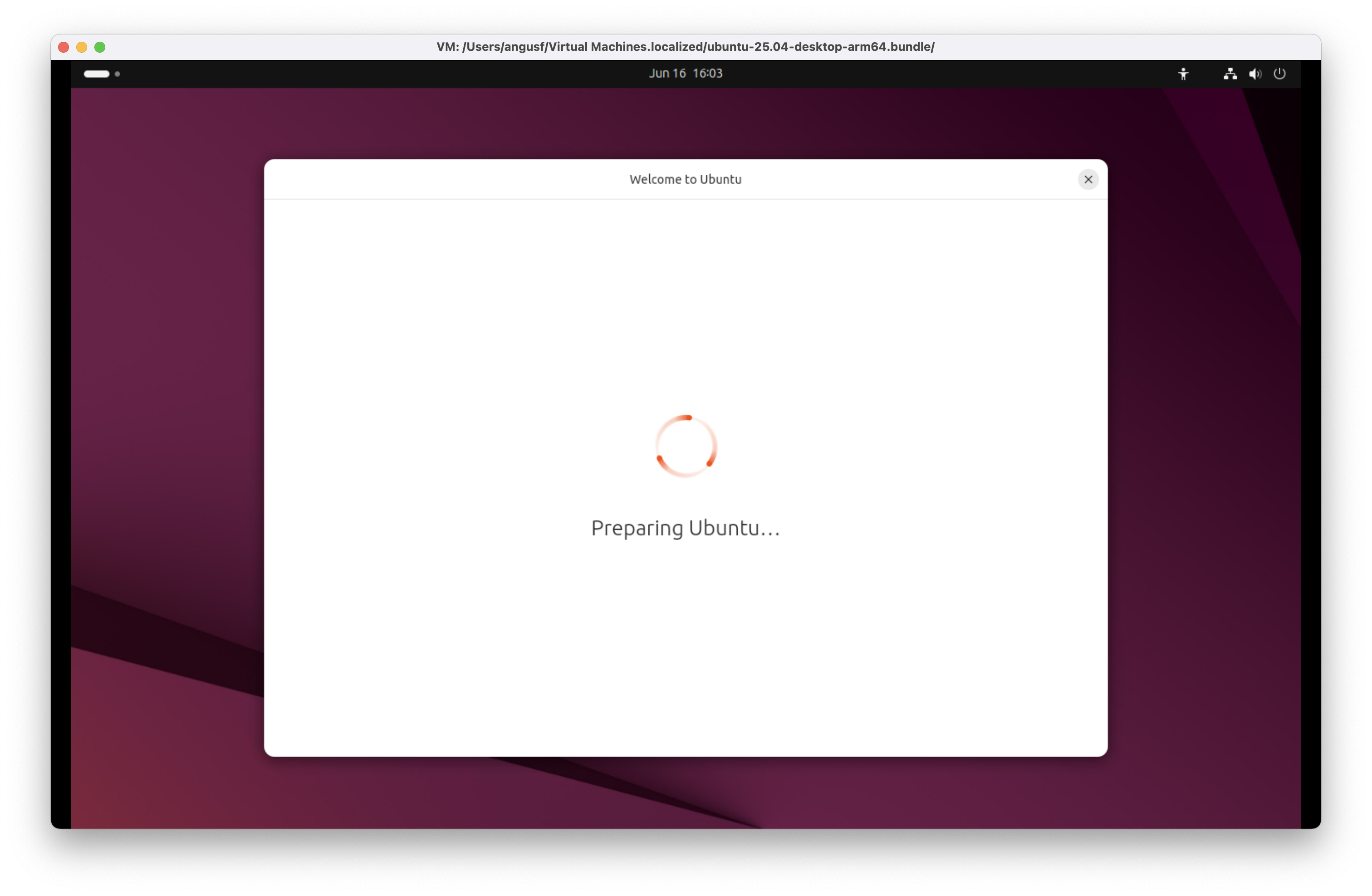
Preparing Ubuntu 25.04 for Arm (Plucky Puffin)
Almost running setup now, Welcome to Ubuntu, preparing Ubuntu.
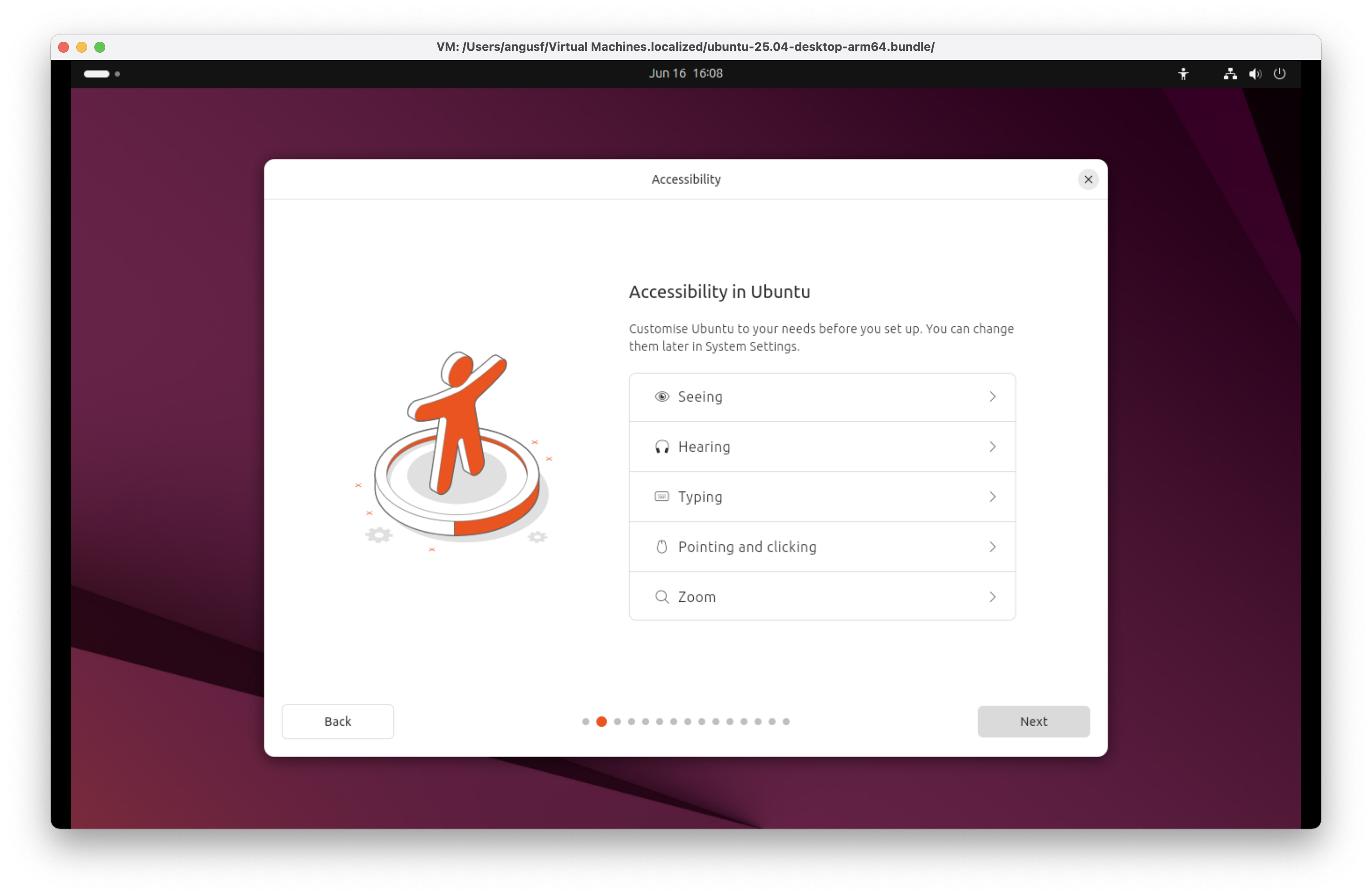
Accessibility in Ubuntu 25.04 for Arm (Plucky Puffin)
Ubuntu 25.04 Plucky Puffin enhances accessibility with robust support for users experiencing challenges in seeing, hearing, typing, or pointing and clicking. The OS integrates advanced screen readers, high-contrast themes, and intuitive zoom functions to improve visual navigation. Audio cues and closed-captioning enhance the desktop experience for users with auditory impairments. Sticky keys, on-screen keyboards, and alternative input methods improve accessibility for those with limited motor control. These refinements ensure inclusivity without compromising performance or usability.
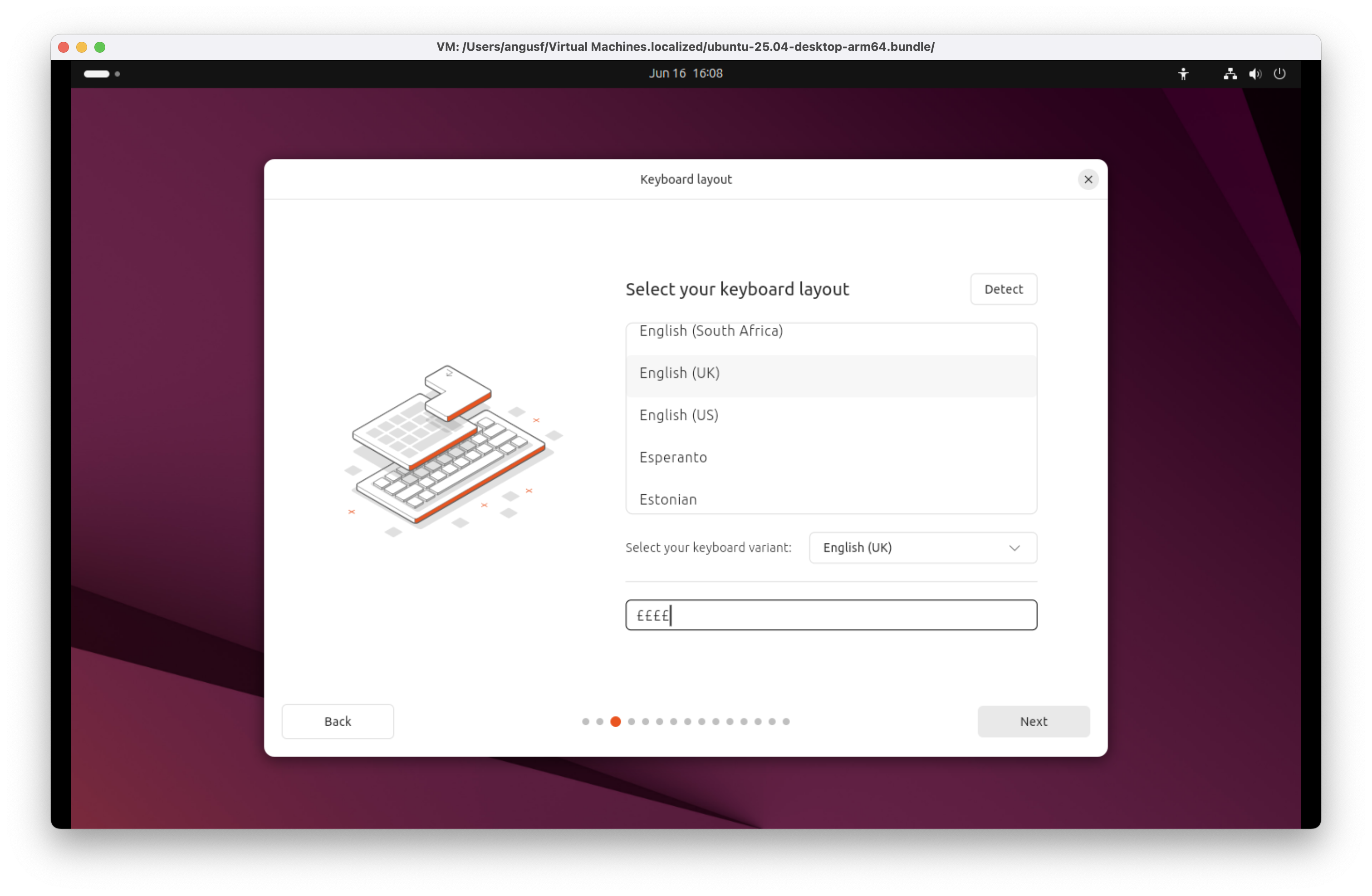
Keyboard layout in Ubuntu 25.04 for Arm (Plucky Puffin)
During installation, the system can automatically detect your keyboard layout, reducing manual steps. Users can choose a variant to suit regional preferences or specific input needs. A built-in utility allows you to test key mappings in real time, ensuring accuracy before proceeding. Whether using a standard UK board or an alternative configuration, layout management in this release is intuitive, flexible, and geared for international usability.
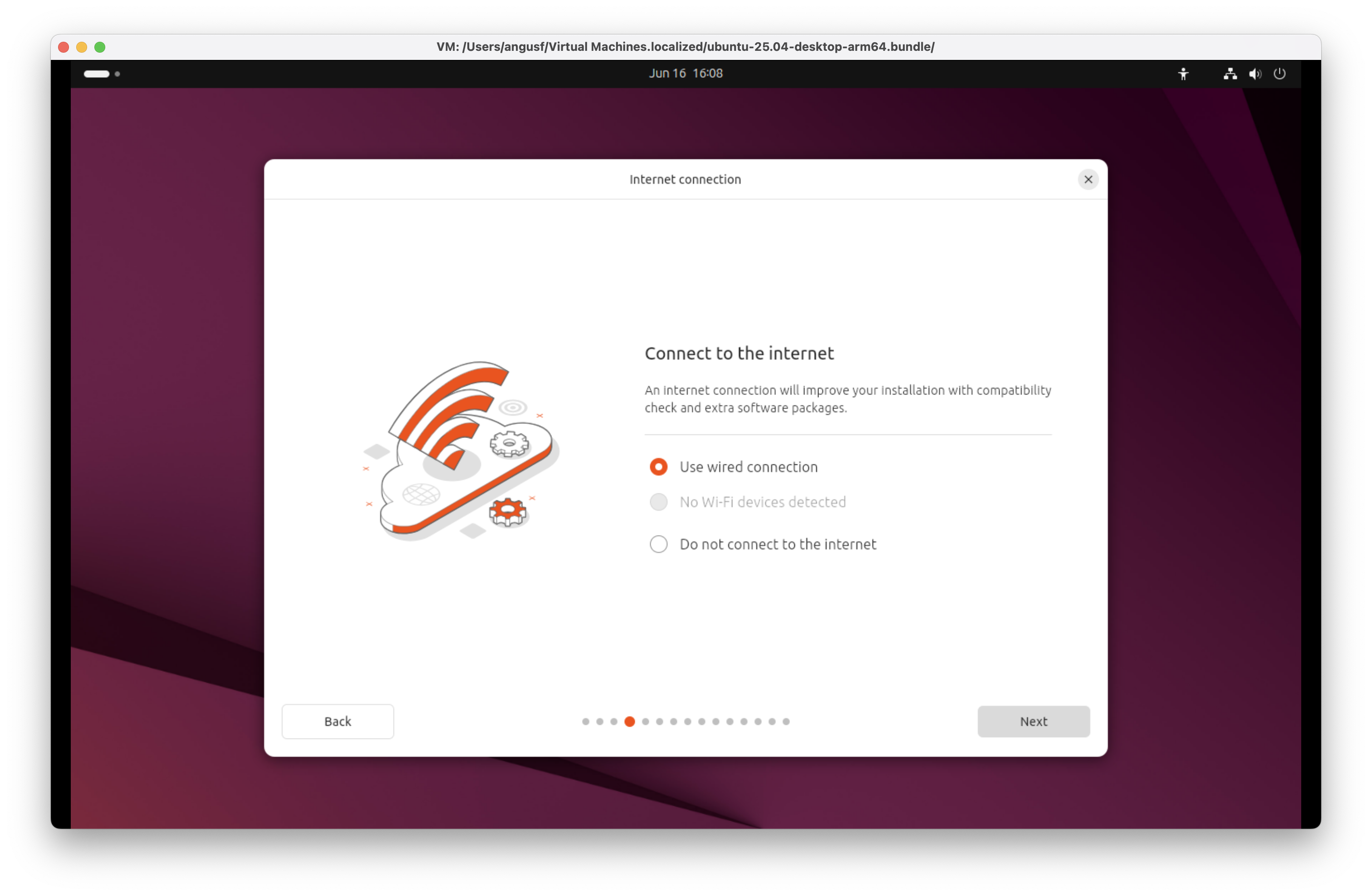
Internet connection in Ubuntu 25.04 for Arm (Plucky Puffin)
Ubuntu 25.04 Plucky Puffin network setup supports both wired and wi-fi connections out of the box. The installer includes a clear option to do not connect, useful for offline configurations or sensitive deployments. Network detection is fast and reliable, ensuring connectivity is established without unnecessary user intervention.
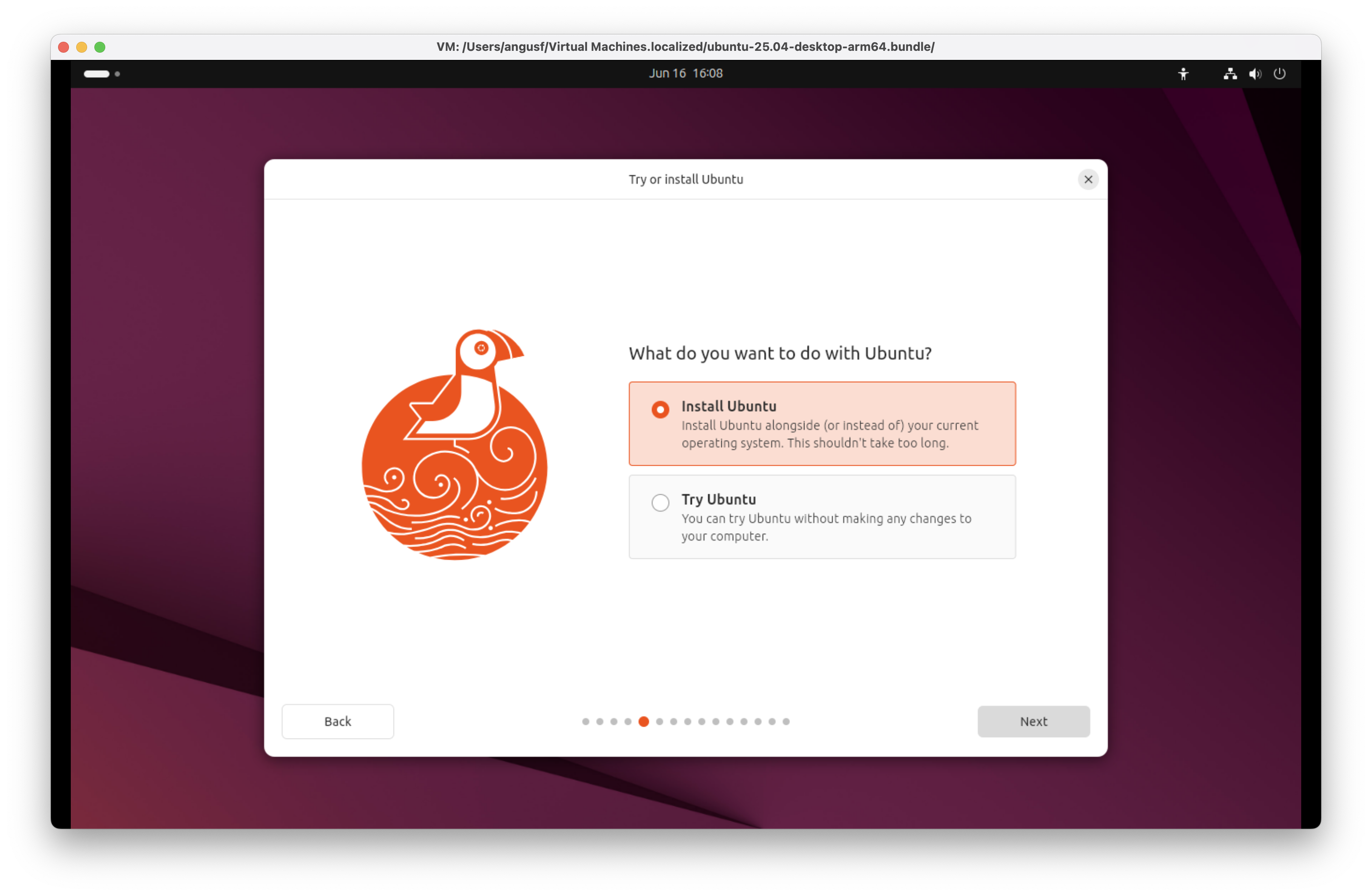
Try or install Ubuntu 25.04 for Arm (Plucky Puffin)
Although you can Try Ubuntu 25.04 Plucky Puffin via a live session without changes this isn't necessary on macOS in a virtual machine. Install Ubuntu for a full, persistent experience on your device.
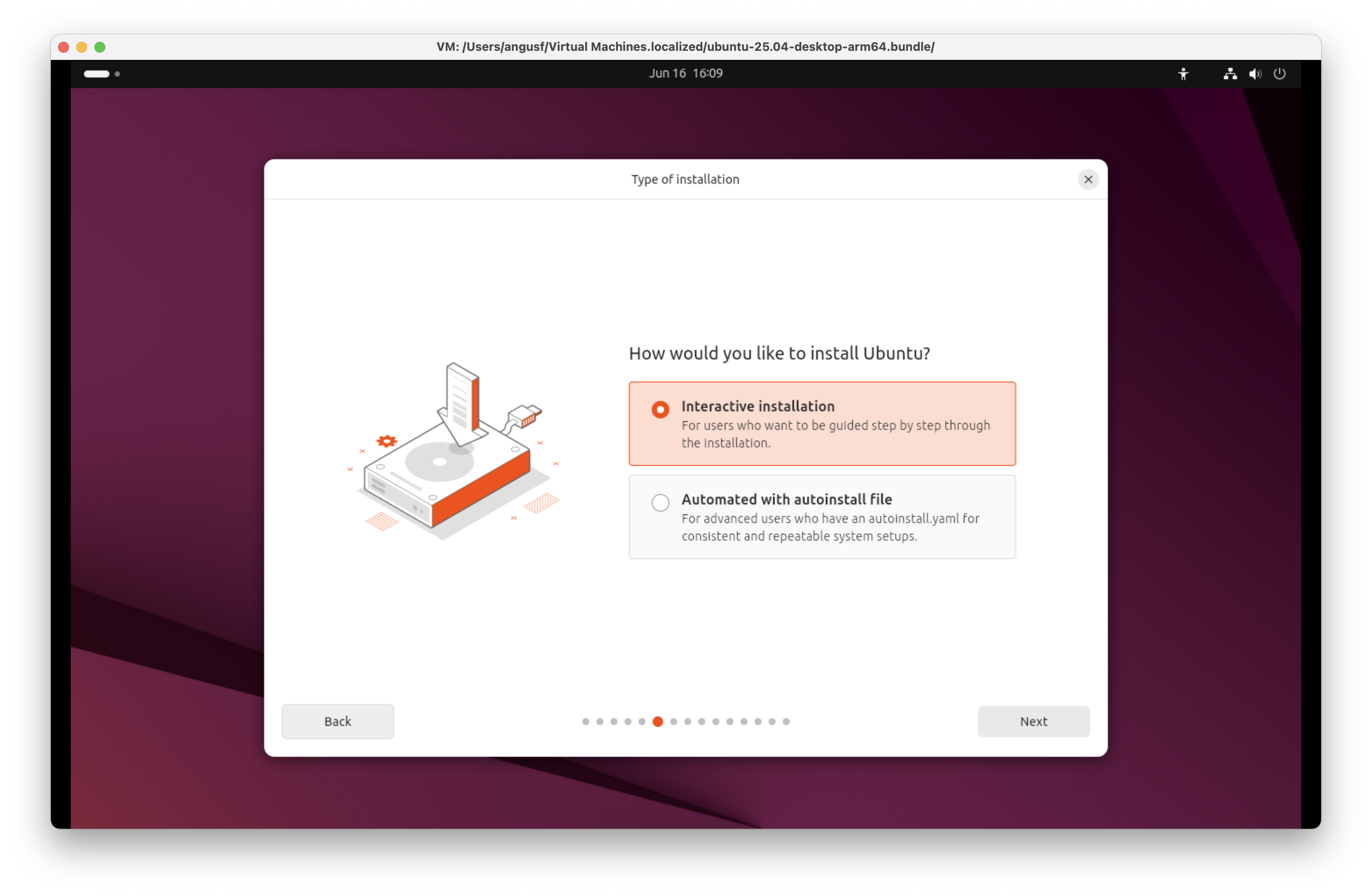
Type of installation of Ubuntu 25.04 for Arm (Plucky Puffin)
Ubuntu 25.04 Plucky Puffin supports both Interactive installation for hands-on configuration and Automatic with autoinstall file deployment, enabling streamlined, unattended setups ideal for large-scale or repeatable environments.
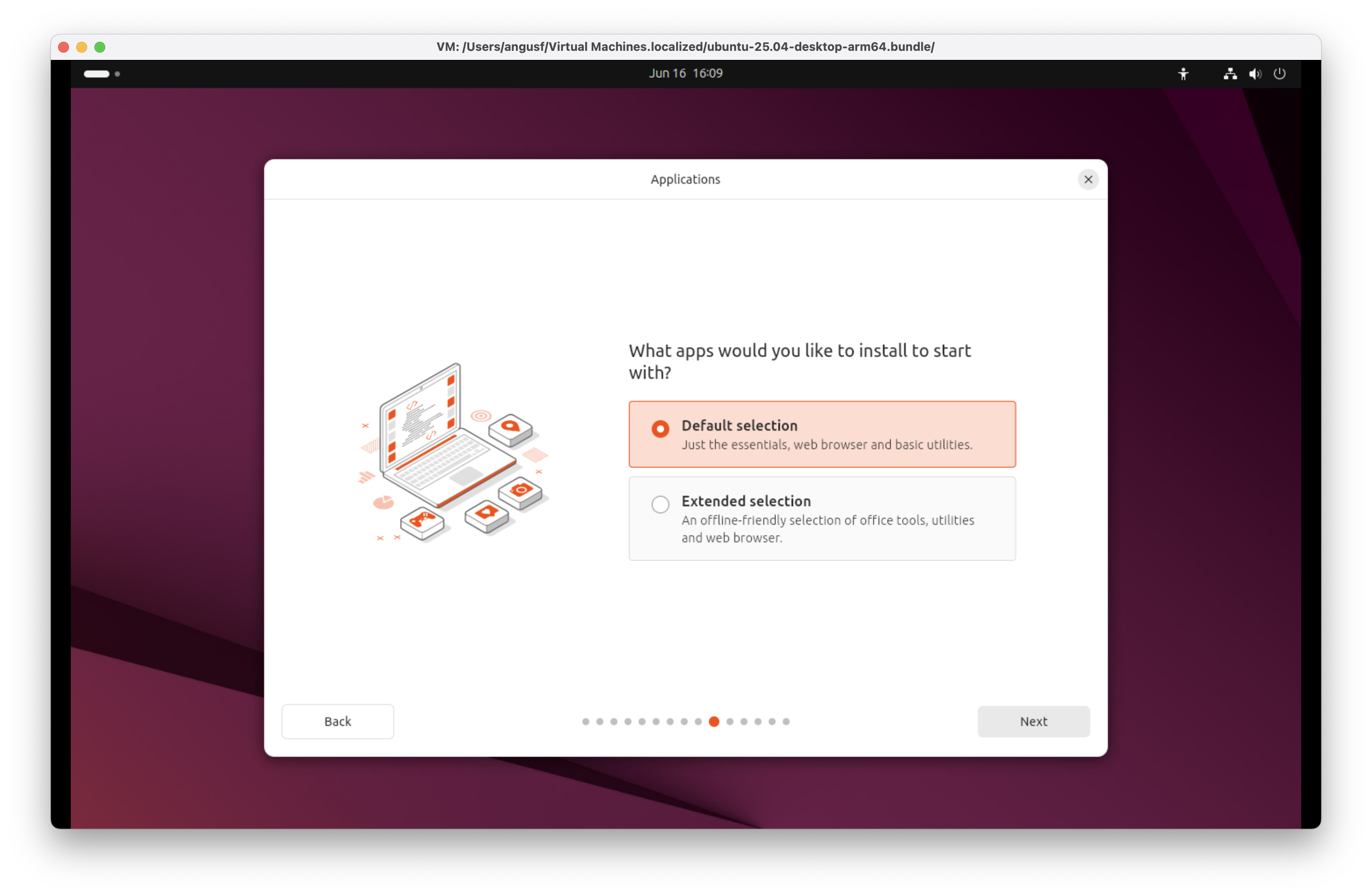
Applications for Ubuntu 25.04 for Arm (Plucky Puffin)
Ubuntu 25.04 Plucky Puffin offers a robust default selection of applications covering essentials, browser and utilities. An extended selection is available including offline office tools.
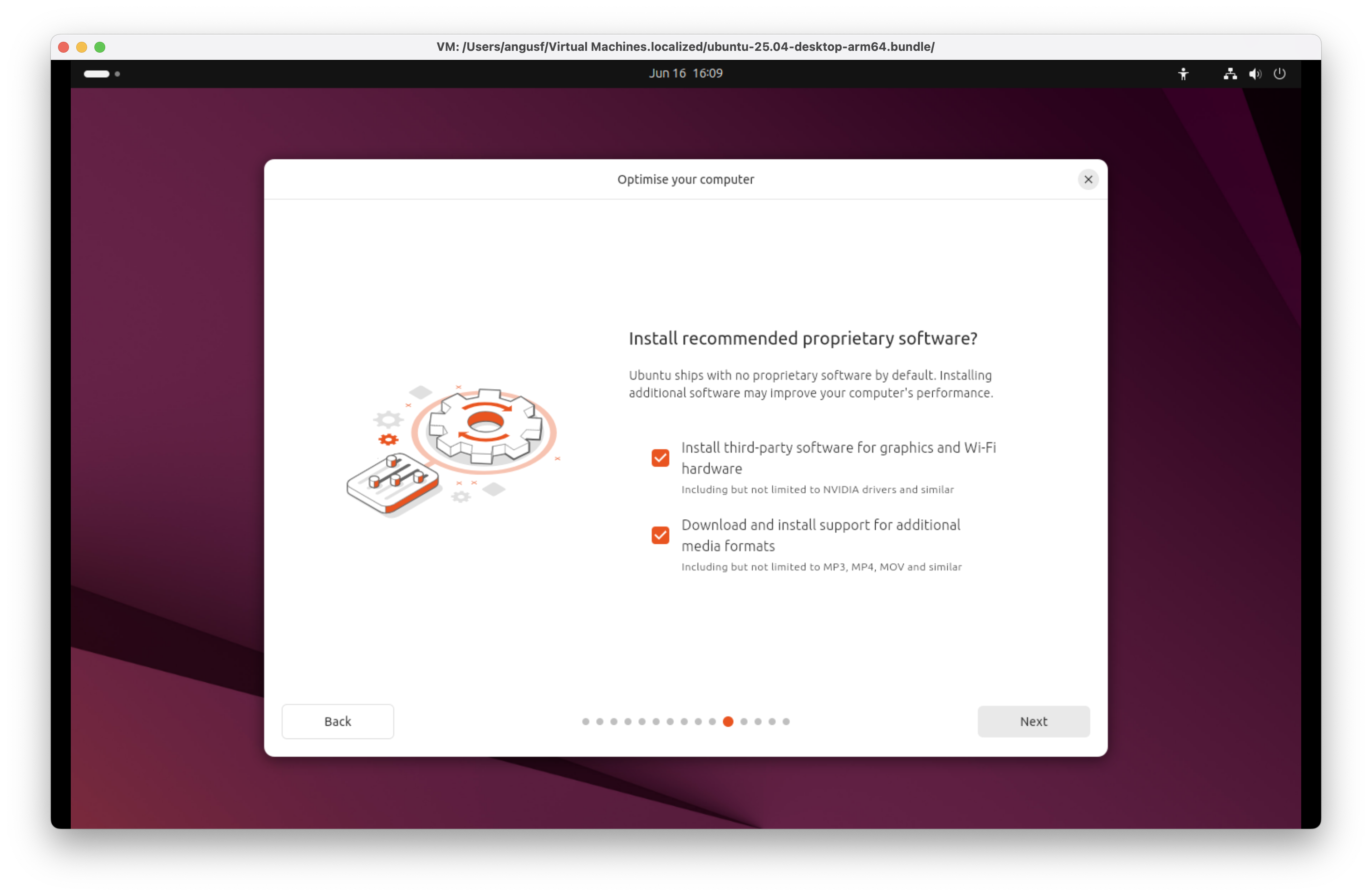
Proprietary optimisations for Ubuntu 25.04 for Arm (Plucky Puffin)
Ubuntu 25.04 Plucky Puffin ships with no proprietary software by default, prioritising open-source integrity. However, users can enable proprietary third party graphics and Wi-Fi drivers alongside additional proprietary media formats for enhanced hardware compatibility and multimedia support.
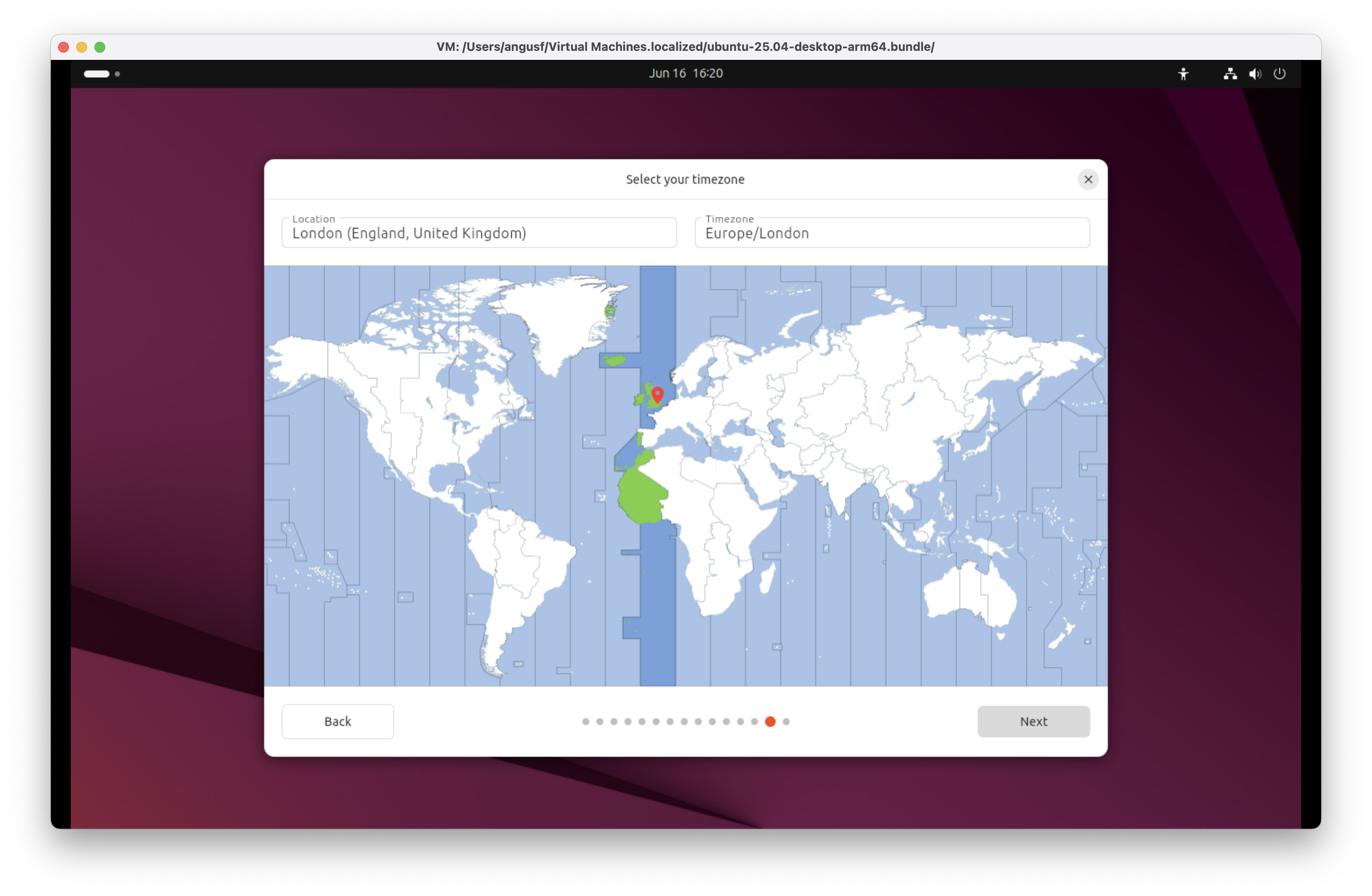
Timezone for Ubuntu 25.04 for Arm (Plucky Puffin)
Ubuntu 25.04 Plucky Puffin automatically detects your location during setup to configure the appropriate timezone. Manual selection is also available, ensuring precise timekeeping for regional settings, scheduled tasks, and system logs across varied deployment environments.
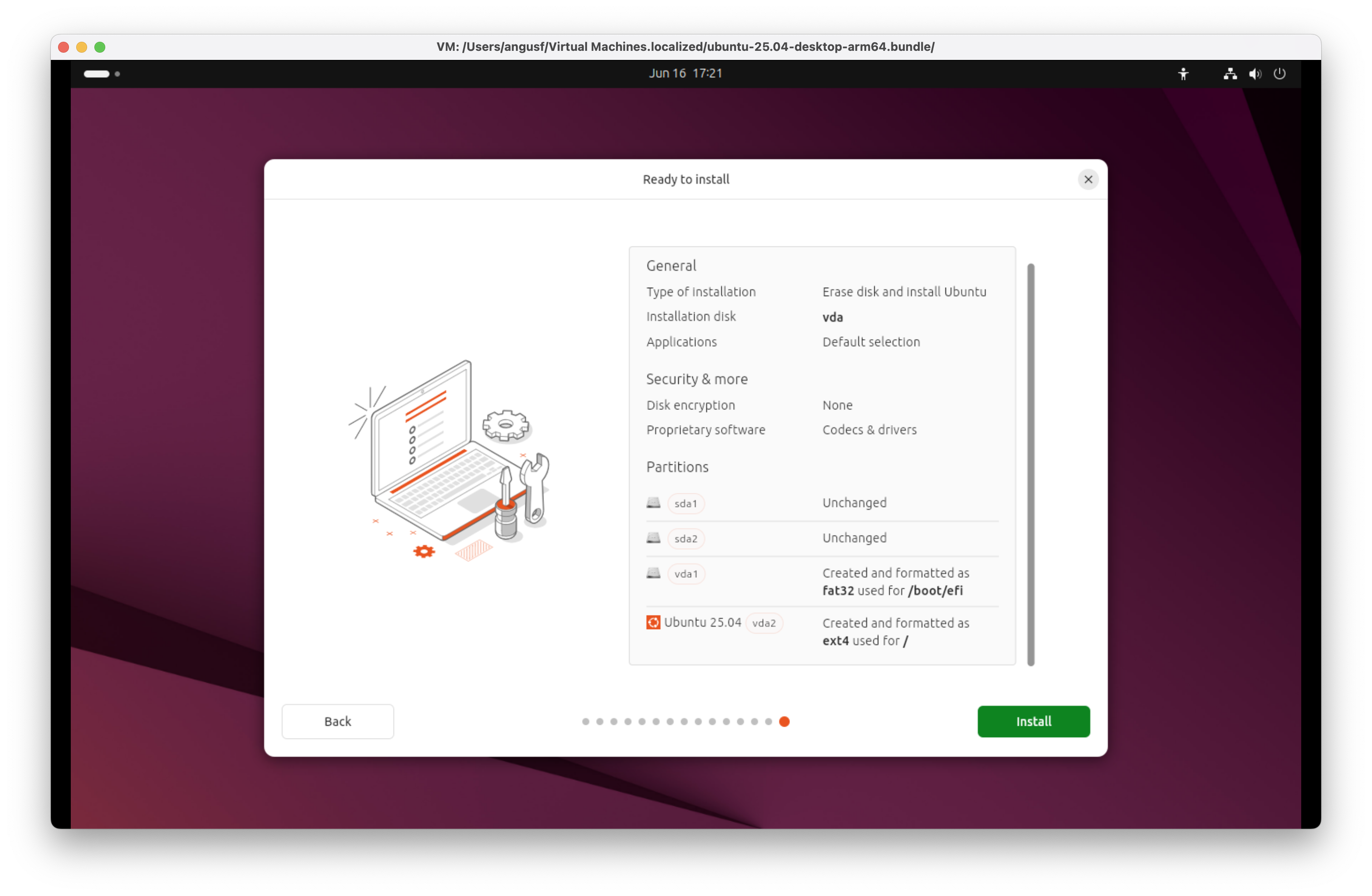
Ready to install Ubuntu 25.04 for Arm (Plucky Puffin)
Before you install Ubuntu 25.04 Plucky Puffin, review the type of installation, disk layout, selected applications, and security options. Configure encryption, choose proprietary software, and adjust partitions to suit your deployment strategy.
Ubuntu 25.04 for Arm (Plucky Puffin) - Fast, free and full of features
Ubuntu 25.04 Plucky Puffin is faster, sleeker, and easier than ever to deploy. Packed with modern productivity tools, it caters to every developer, creator, gamer, and administrator. Whether you're coding, designing, or managing systems, this release offers a polished, feature-rich platform without licensing constraints.
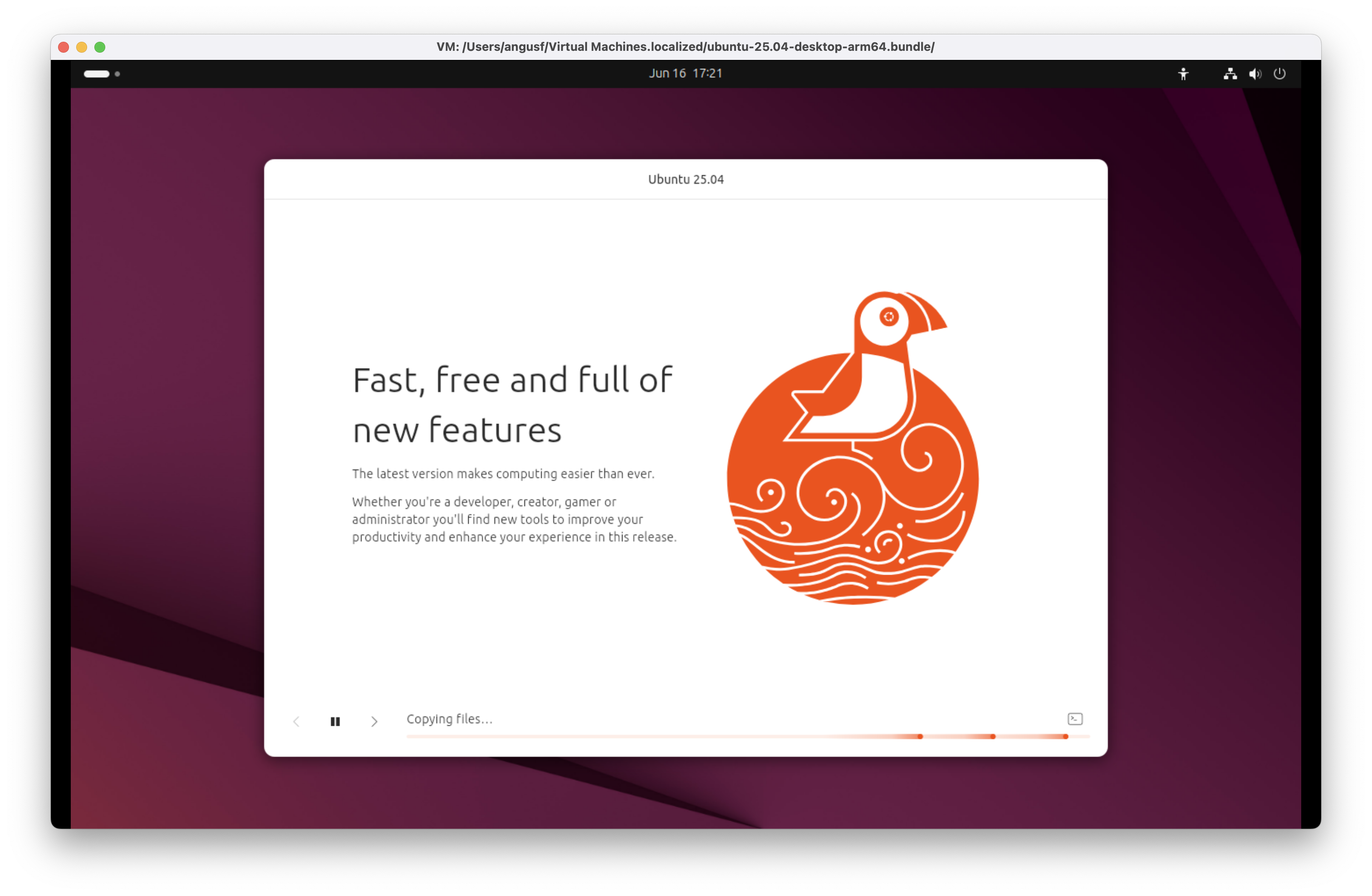
Ubuntu 25.04 for Arm (Plucky Puffin) - Fast, free and full of features
Ubuntu 25.04 Plucky Puffin is faster, sleeker, and easier than ever to deploy. Packed with modern productivity tools, it caters to every developer, creator, gamer, and administrator. Whether you're coding, designing, or managing systems, this release offers a polished, feature-rich platform without licensing constraints.
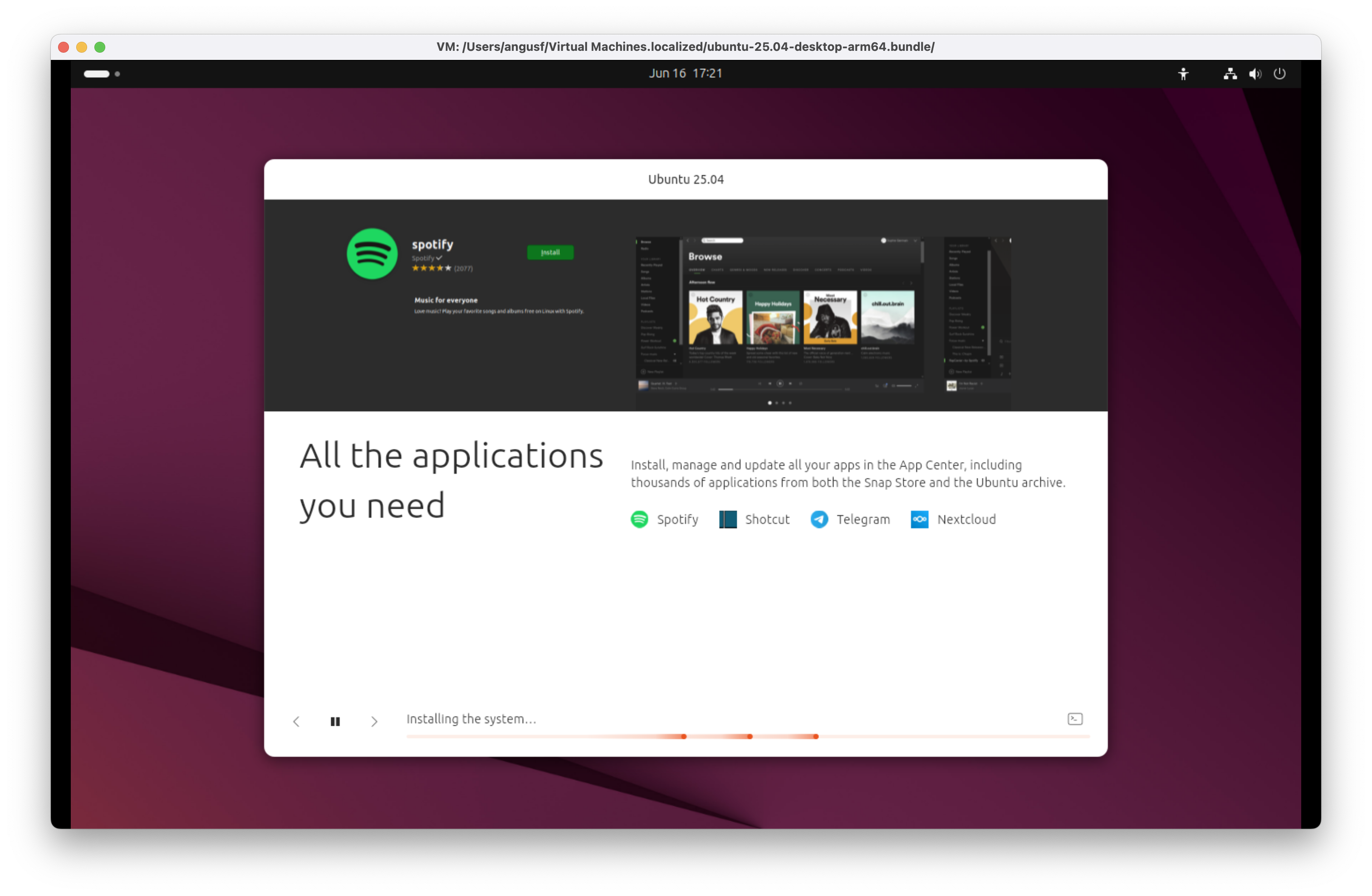
Ubuntu 25.04 for Arm (Plucky Puffin) - All the applications you need
Ubuntu 25.04 Plucky Puffin delivers access to essential apps via the App Centre. Install Spotify for music, Shotcut for video editing, Telegram for messaging, Nextcloud for private cloud storage or thousands of other Snap Store apps. Discovering and managing software is straightforward and secure.
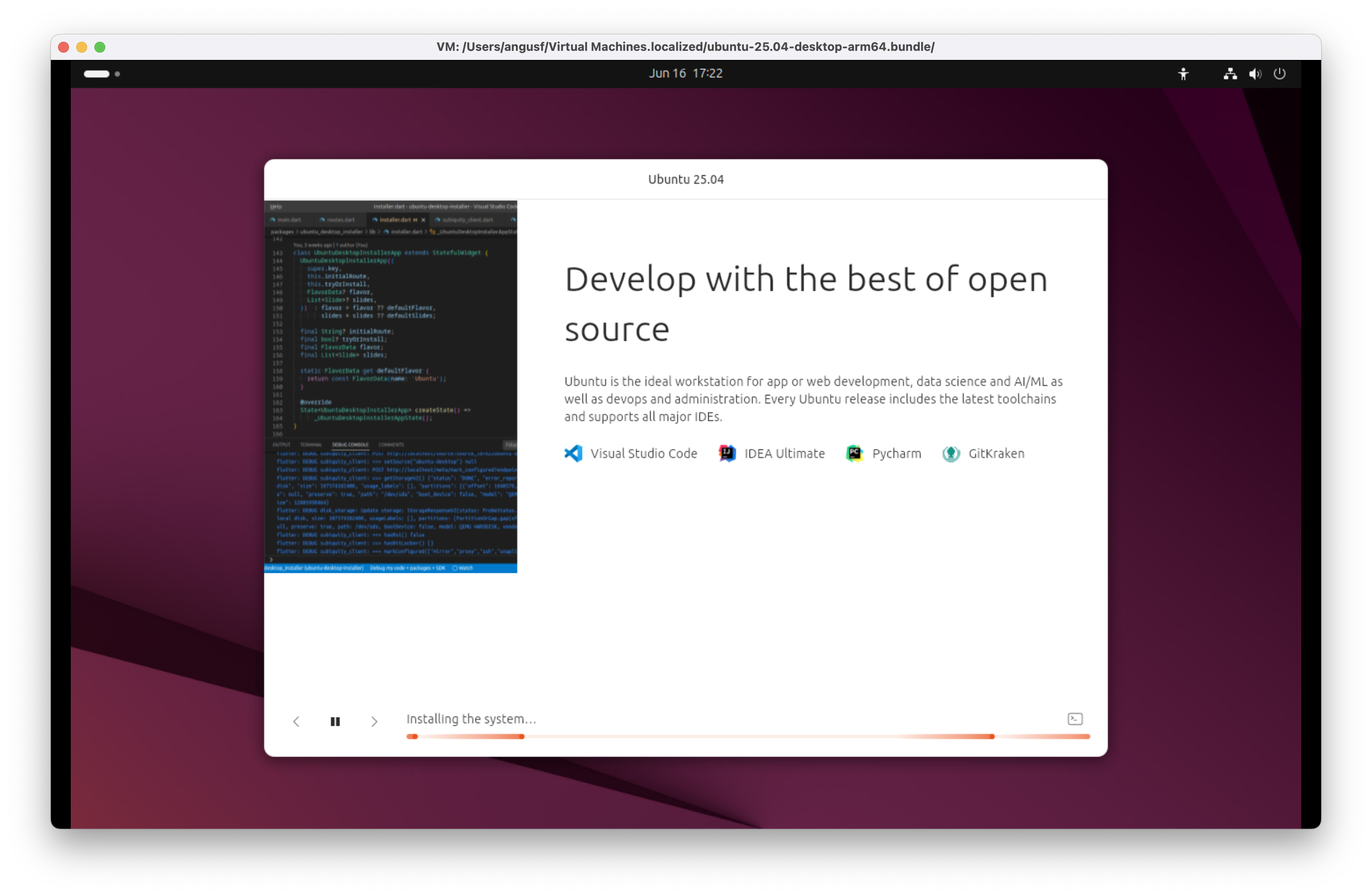
Ubuntu 25.04 for Arm (Plucky Puffin) - Develop with the best of open source
Ubuntu 25.04 Plucky Puffin empowers developers with top-tier open-source and commercial tools. Use VScodium for lightweight editing, IDEA Ultimate or Pycharm for full-stack development, and GitKraken for elegant version control. It’s a comprehensive, adaptable environment for serious engineering on a free and flexible platform.
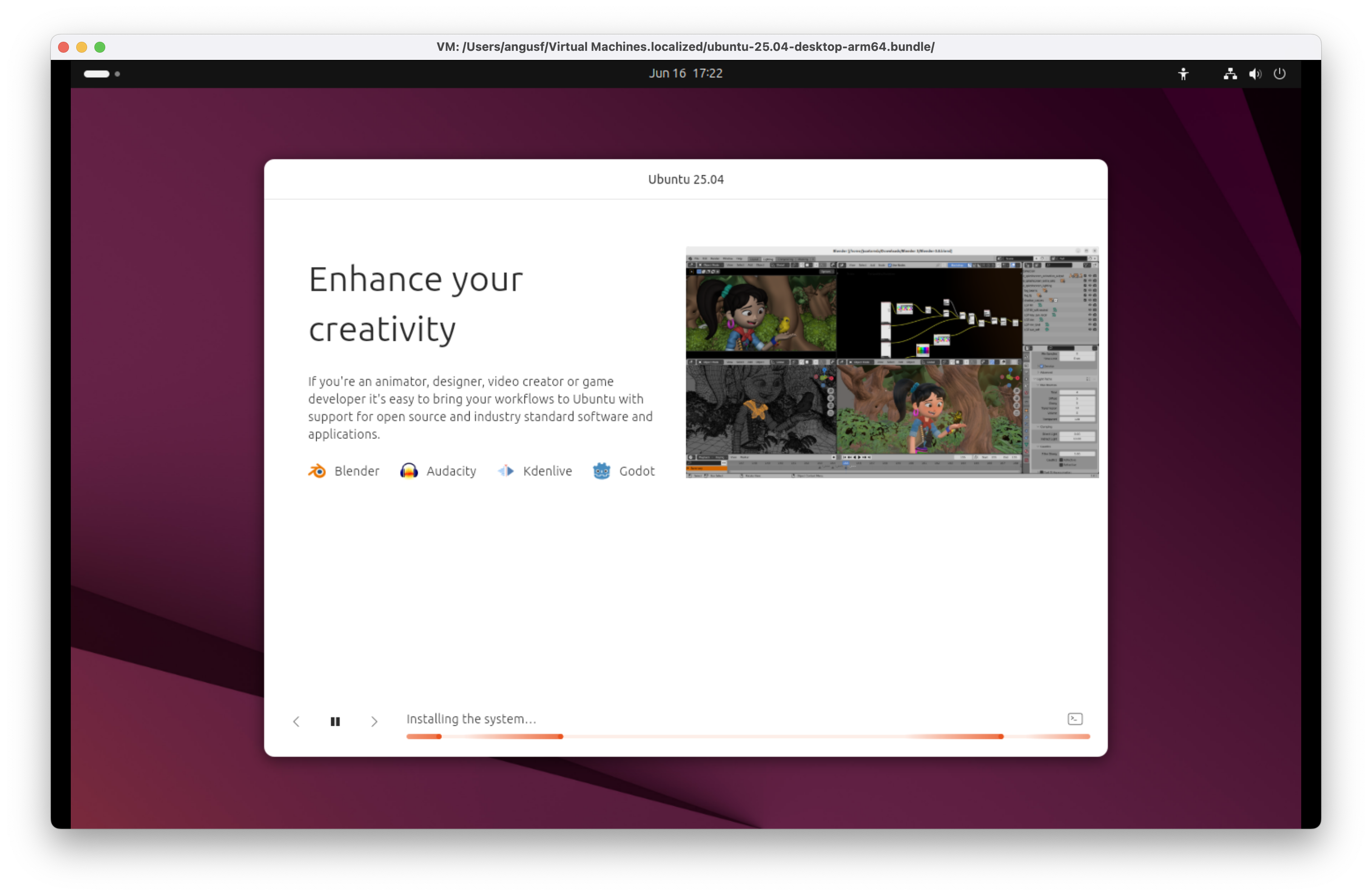
Ubuntu 25.04 for Arm (Plucky Puffin) - Enhance your creativity
Unleash your creative potential with Ubuntu 25.04 Plucky Puffin. Design in Blender, edit audio in Audacity, craft video with Kdenlive, or build interactive experiences in Godot. This platform offers a stable, open foundation for artists, editors, and digital storytellers to innovate without constraints.
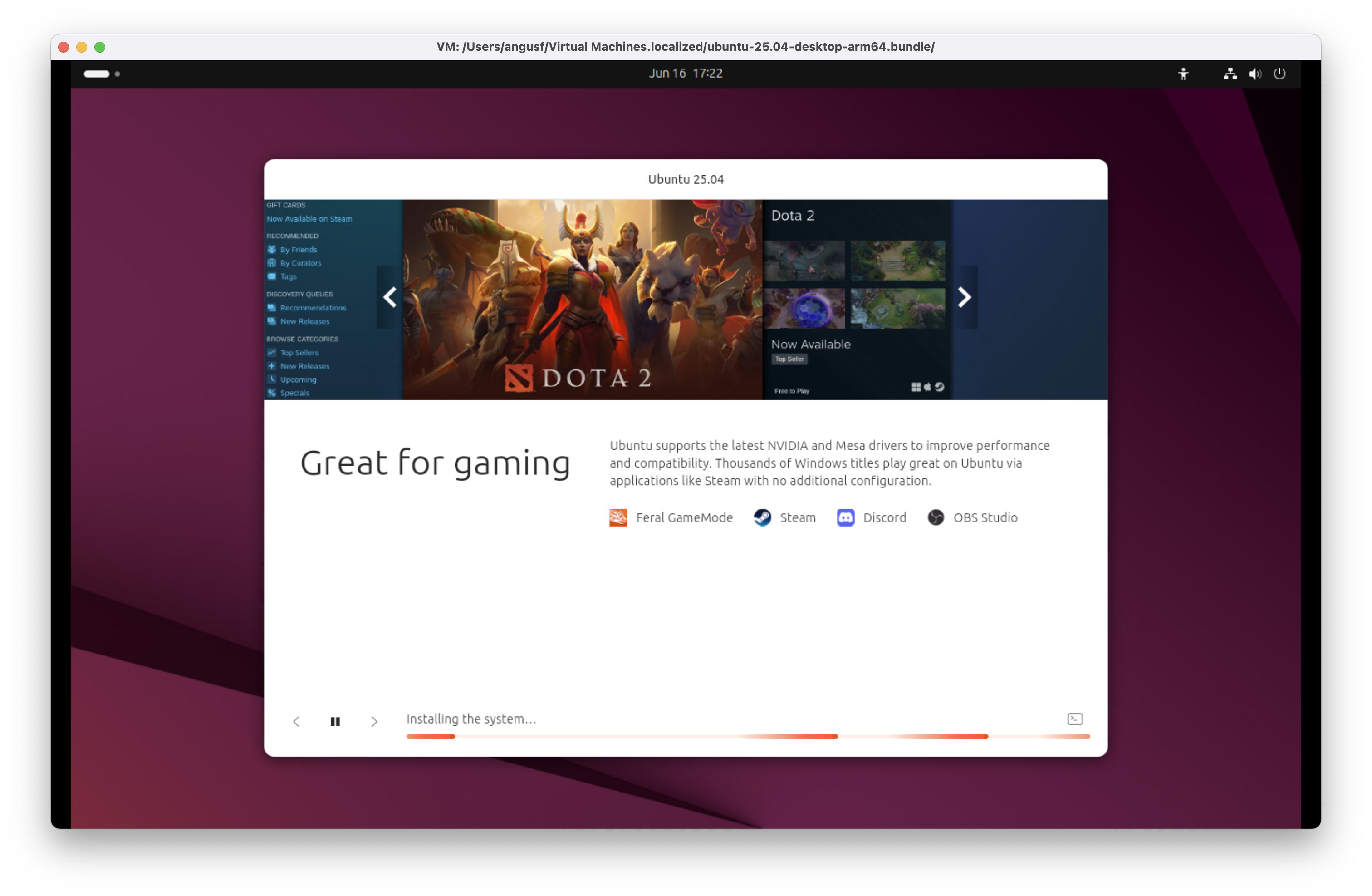
Ubuntu 25.04 for Arm (Plucky Puffin) - Great for gaming
Ubuntu 25.04 Plucky Puffin is a capable gaming platform although a virtual machine on macOS is unlikely a best environment for that. With Feral Gamemode enhancing performance, Steam offering a vast library, and tools like Discord and OBS Studio for communication and streaming, it provides a comprehensive, stable environment for casual and competitive players alike.
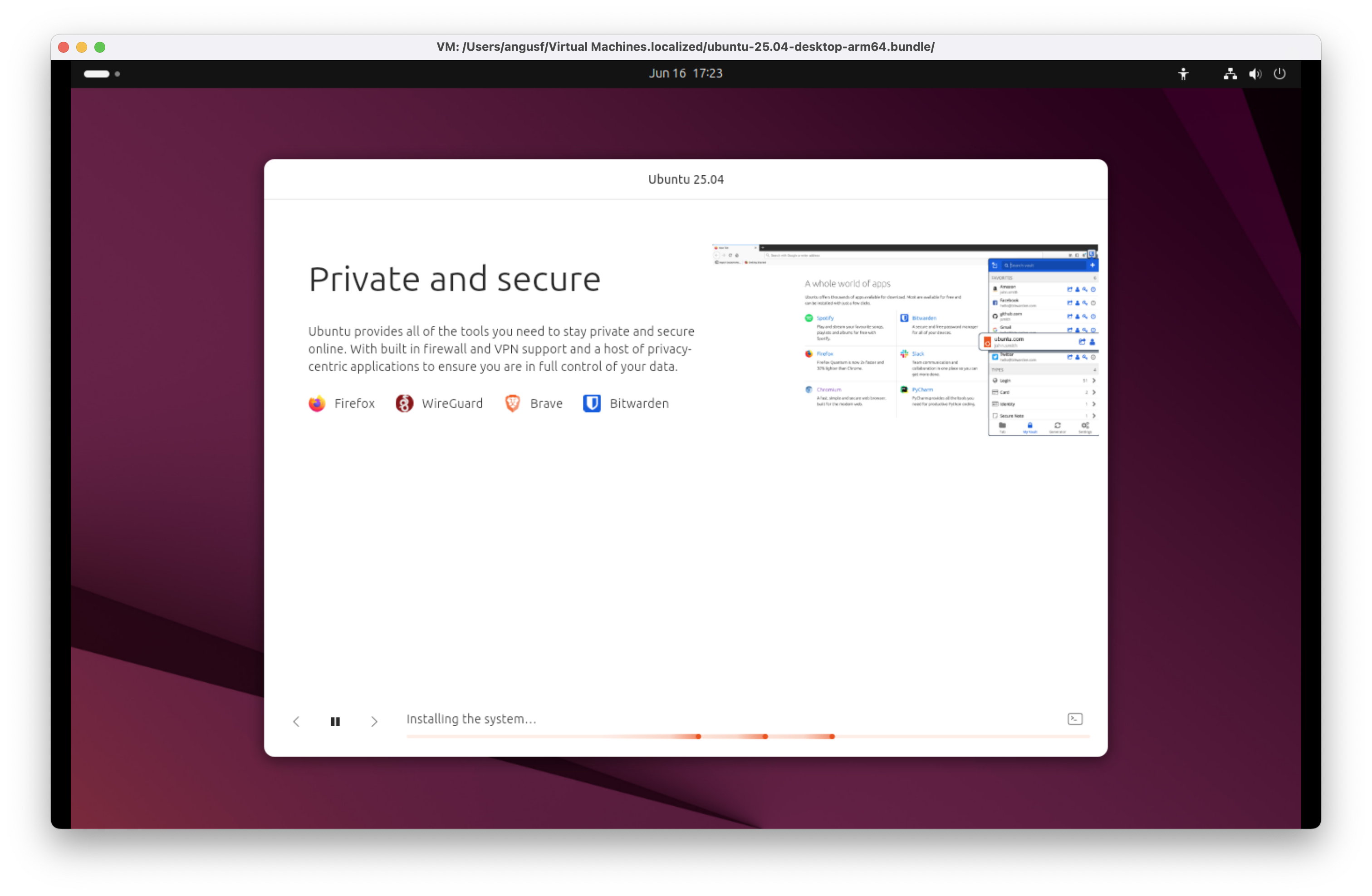
Ubuntu 25.04 for Arm (Plucky Puffin) - Private and secure
Ubuntu 25.04 Plucky Puffin prioritises user privacy and security. Leverage WireGuard for high-performance VPN connections, manage credentials with Bitwarden, and browse safely using Firefox or Brave. It’s a hardened environment designed for confidentiality, resilience, and digital autonomy.
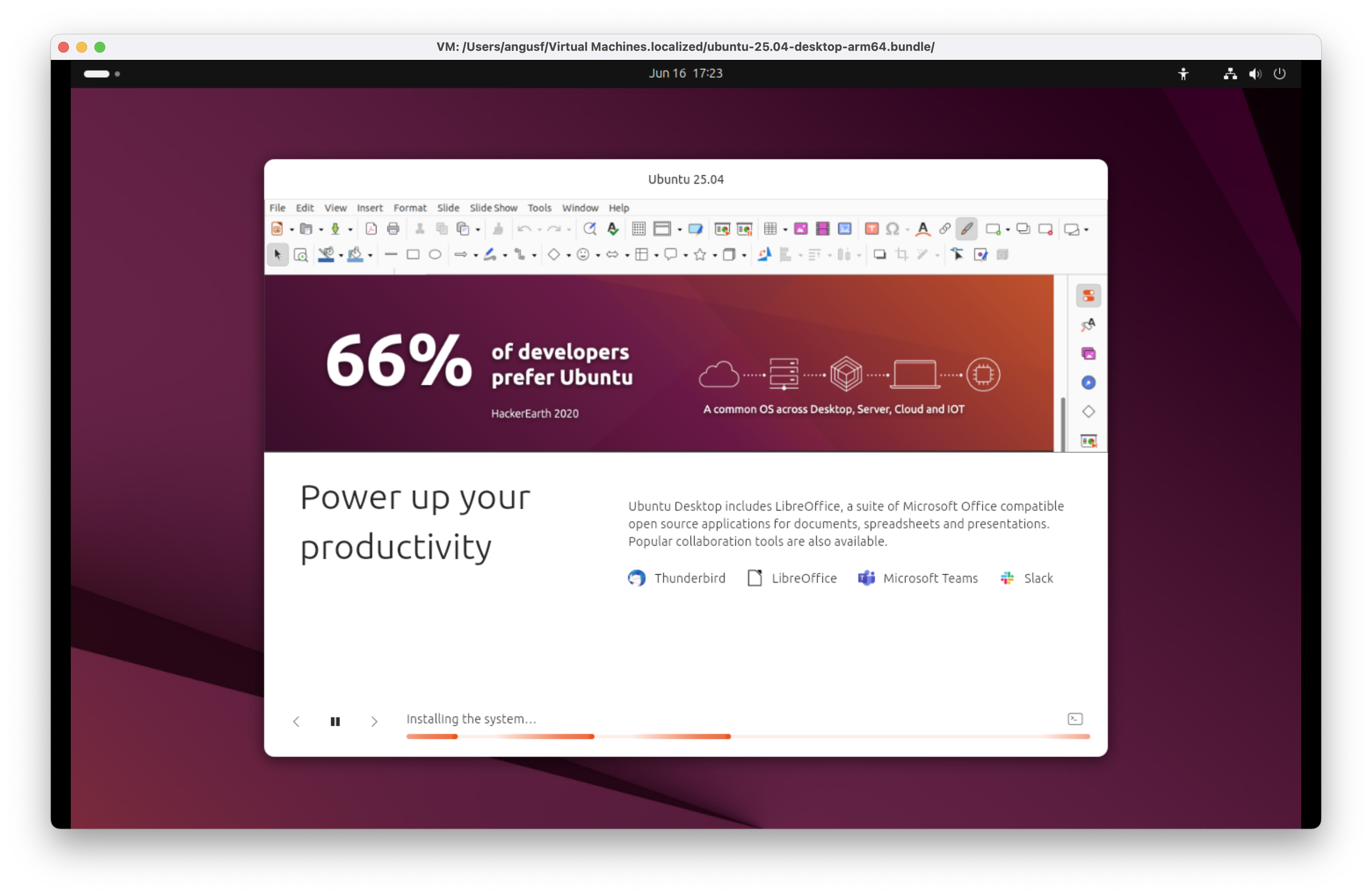
Ubuntu 25.04 for Arm (Plucky Puffin) - Power up your productivity
Ubuntu 25.04 Plucky Puffin boosts efficiency with robust tools. Manage communications via Thunderbird, edit documents in LibreOffice which is an open source Microsoft Office compatible suite of applications for documents, presentations and spreadsheets, and collaborate using Microsoft Teams or Slack.
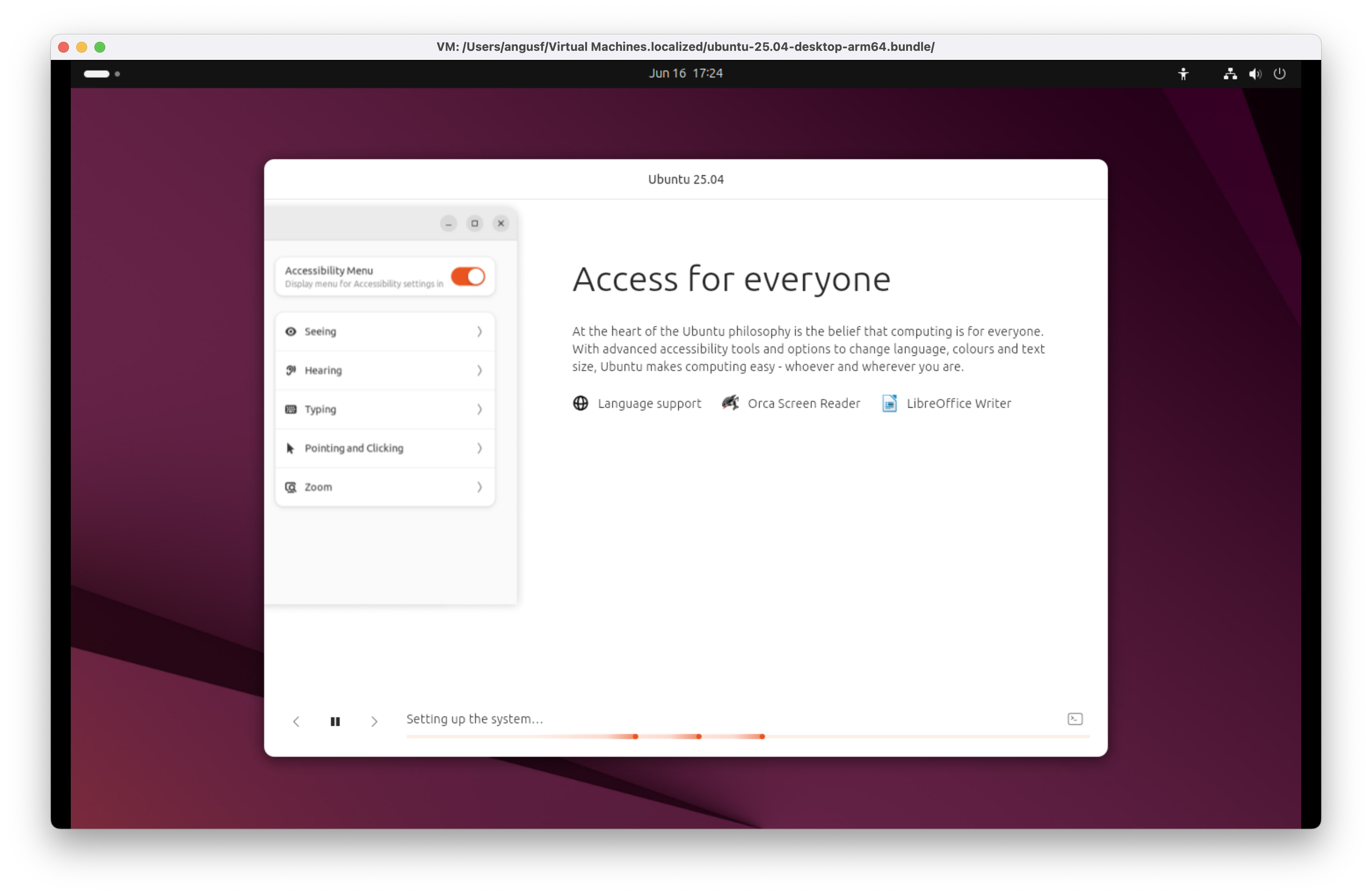
Ubuntu 25.04 for Arm (Plucky Puffin) - Access for everyone
Ubuntu 25.04 Plucky Puffin ensures inclusivity with extensive language support, the Orca Screen Reader for visually impaired users, and accessible tools like LibreOffice Writer. It’s built to empower users of all abilities to create, communicate, and collaborate without compromise.
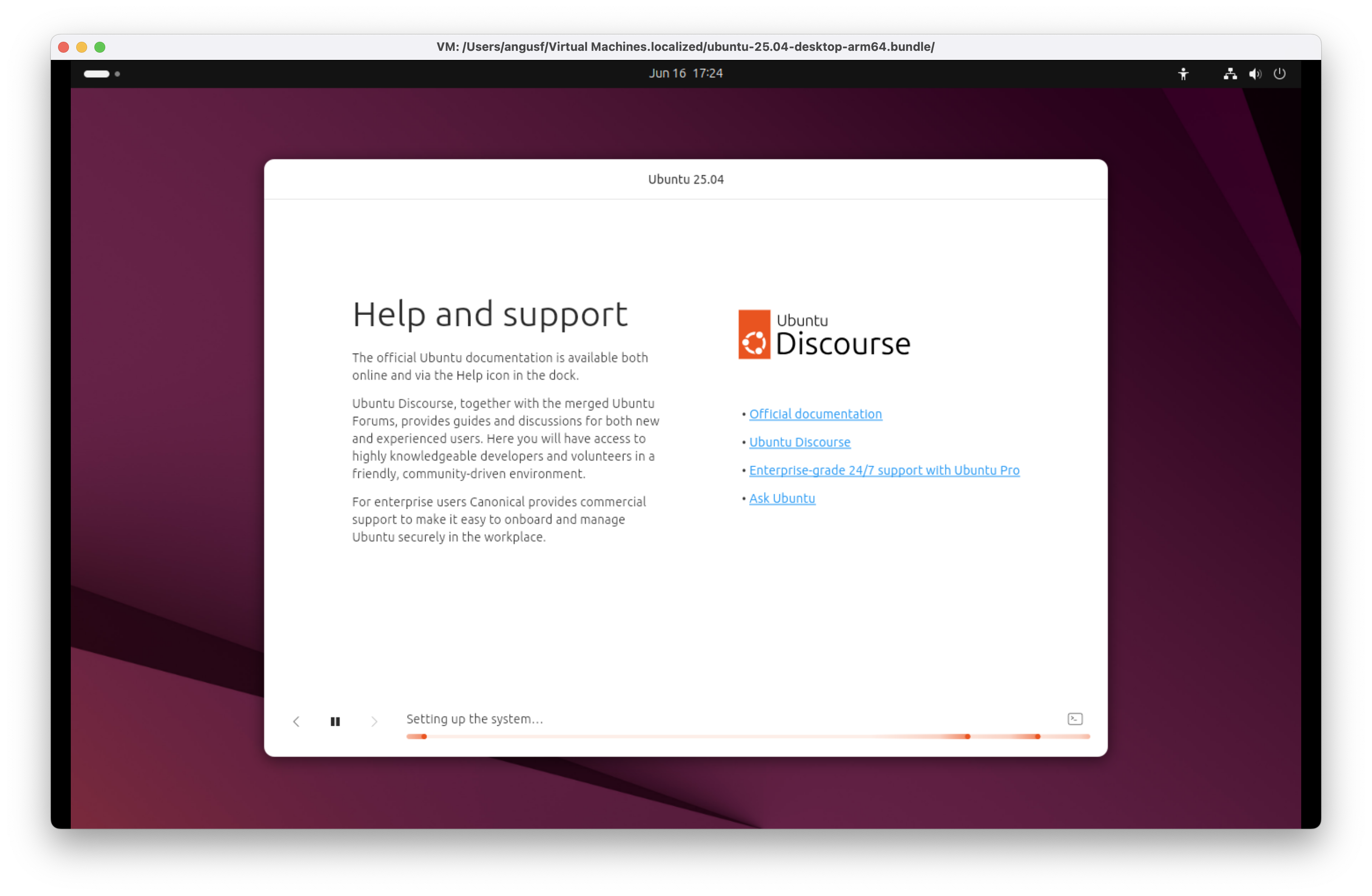
Ubuntu 25.04 for Arm (Plucky Puffin) - Help and support
Ubuntu 25.04 Plucky Puffin offers comprehensive documentation and active community engagement through Ubuntu Discourse and Ask Ubuntu. For enterprise needs, 24/7 support with Ubuntu Pro ensures professional assistance, combining community and commercial resources seamlessly.
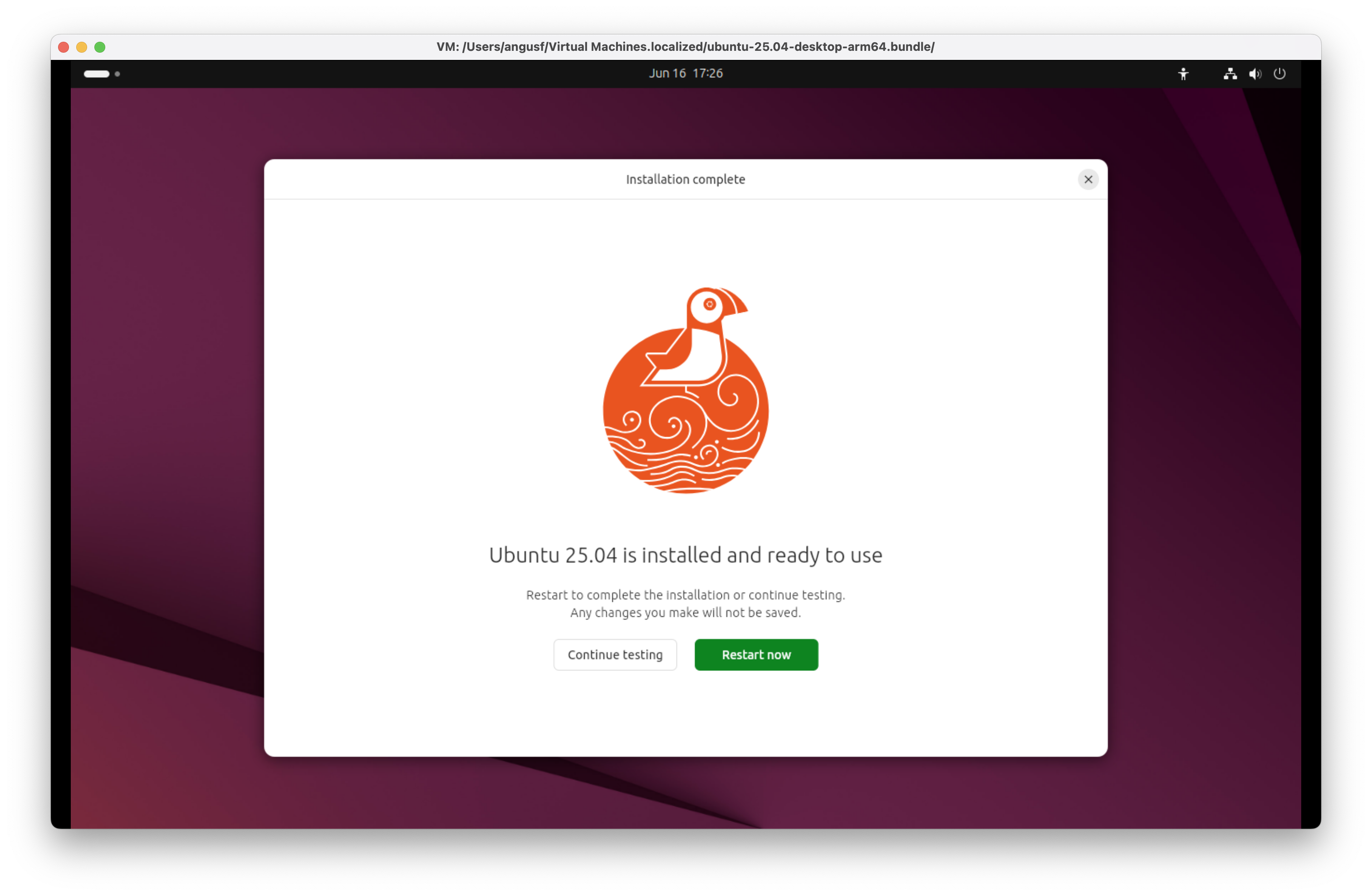
Ubuntu 25.04 for Arm (Plucky Puffin) - Installation complete
Ubuntu 25.04 Plucky Puffin offers comprehensive documentation and active community engagement through Ubuntu Discourse and Ask Ubuntu. For enterprise needs, 24/7 support with Ubuntu Pro ensures professional assistance, combining community and commercial resources seamlessly.
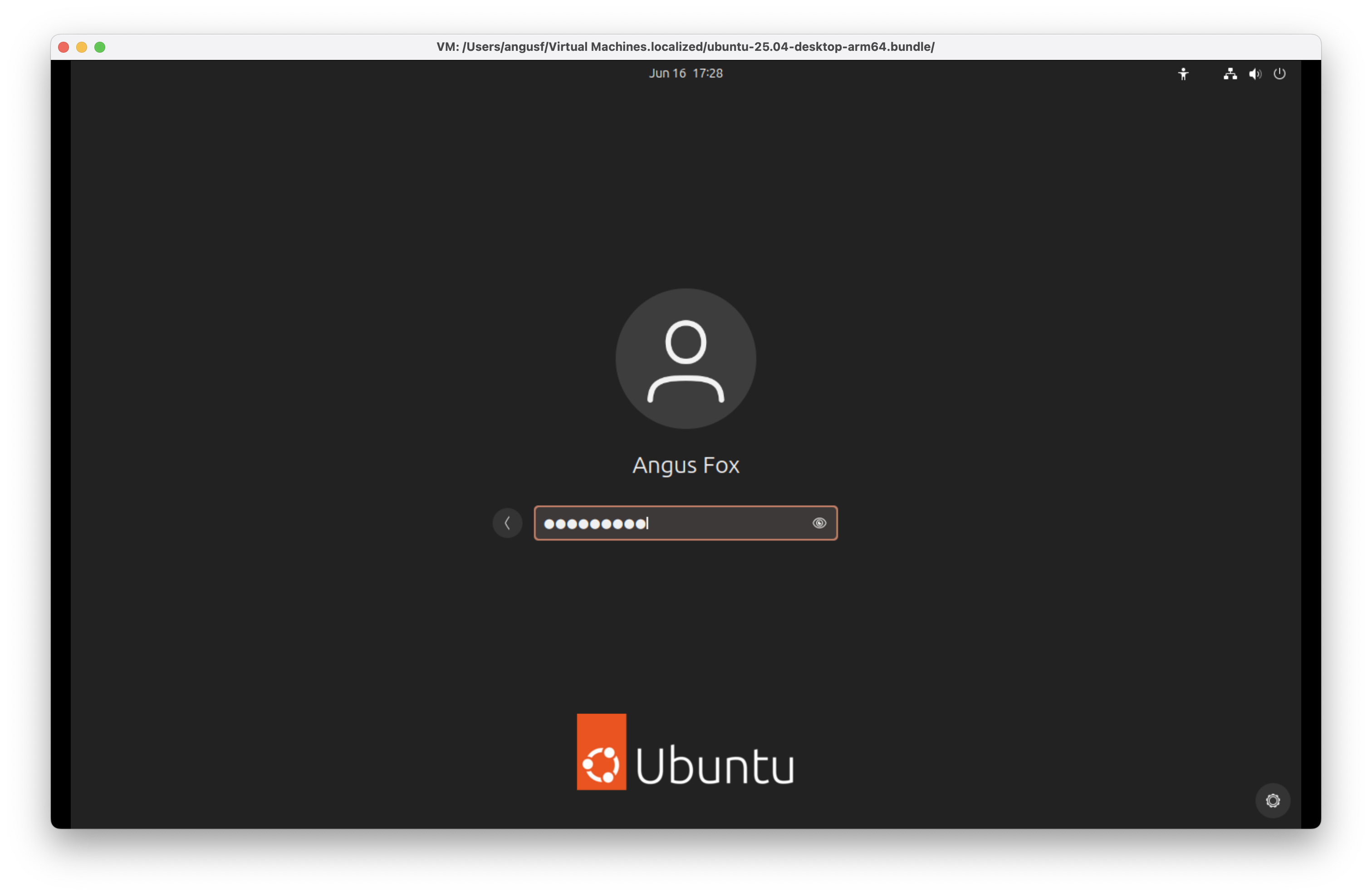
Ubuntu 25.04 for Arm (Plucky Puffin) - First run
Ubuntu 25.04 Plucky Puffin login screen
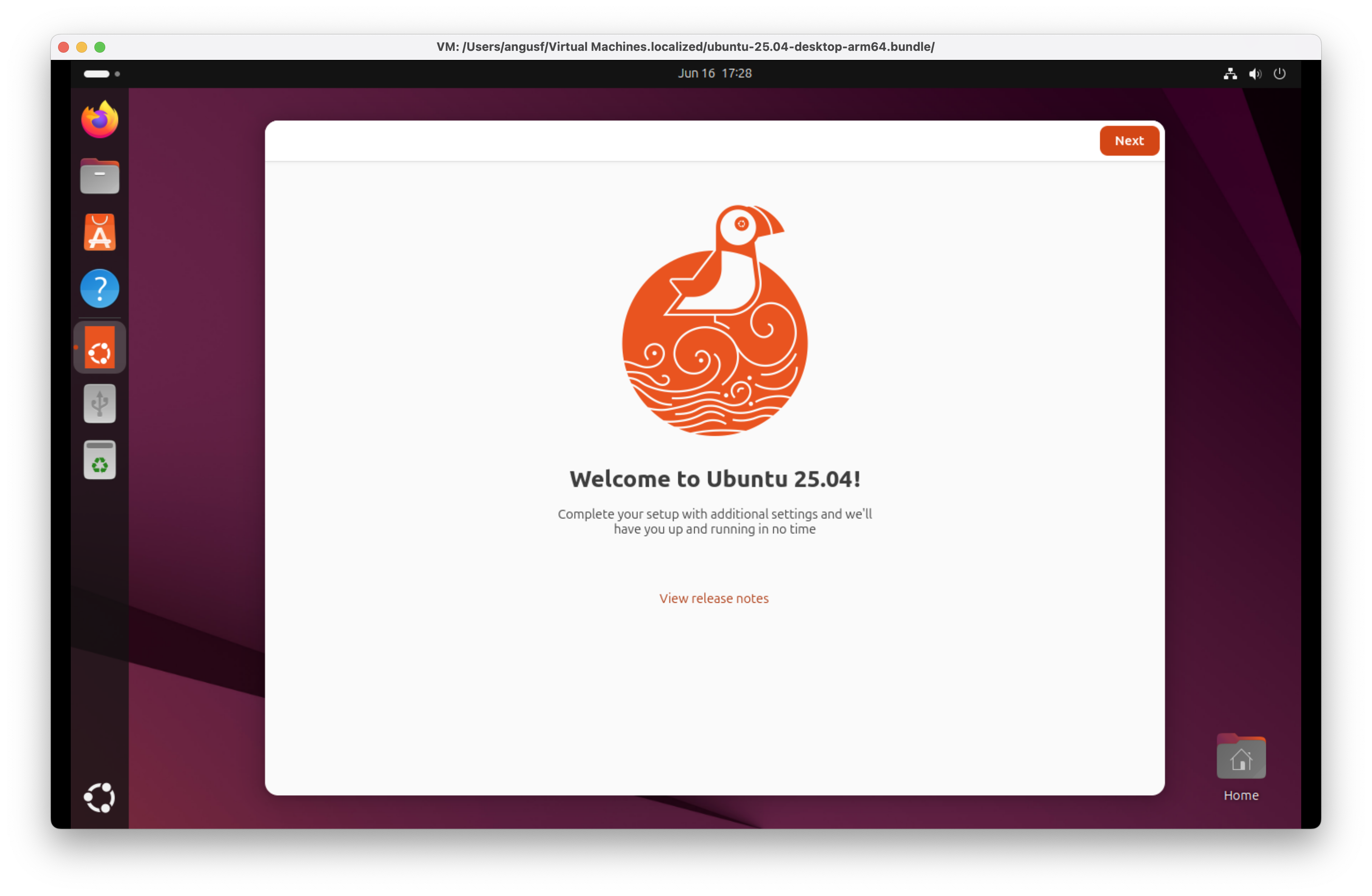
Ubuntu 25.04 for Arm (Plucky Puffin) - Welcome to Ubuntu
Ubuntu 25.04 Plucky Puffin desktop with Welcome to Ubuntu onboarding tool.
Ubuntu 25.04 for Arm (Plucky Puffin) - Welcome to Ubuntu
Ubuntu 25.04 Plucky Puffin desktop with Welcome to Ubuntu onboarding tool.
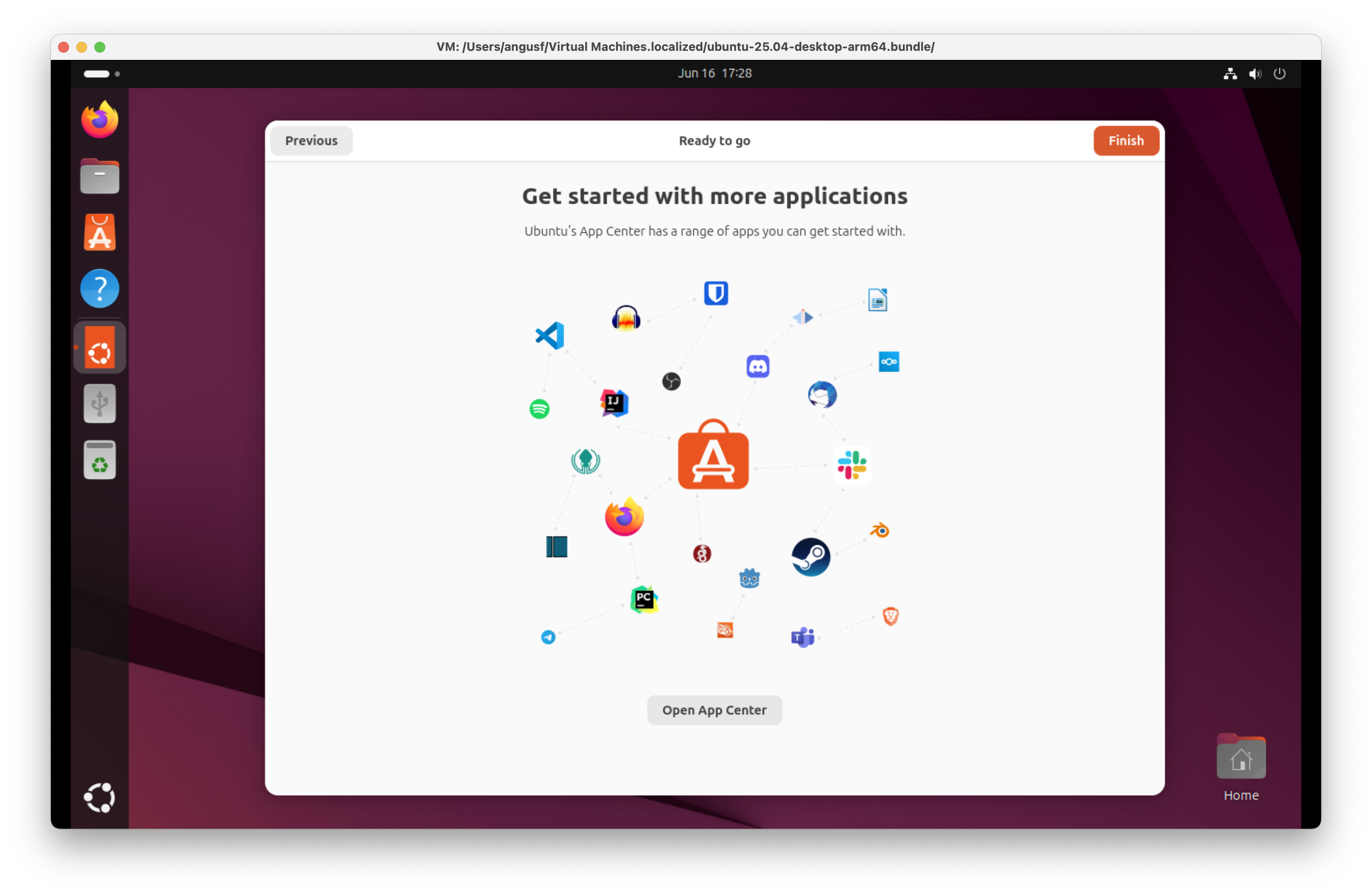
Ubuntu 25.04 for Arm (Plucky Puffin) - Get started with more applications
Ubuntu 25.04 Plucky Puffin desktop encouraging you to open App Centre.
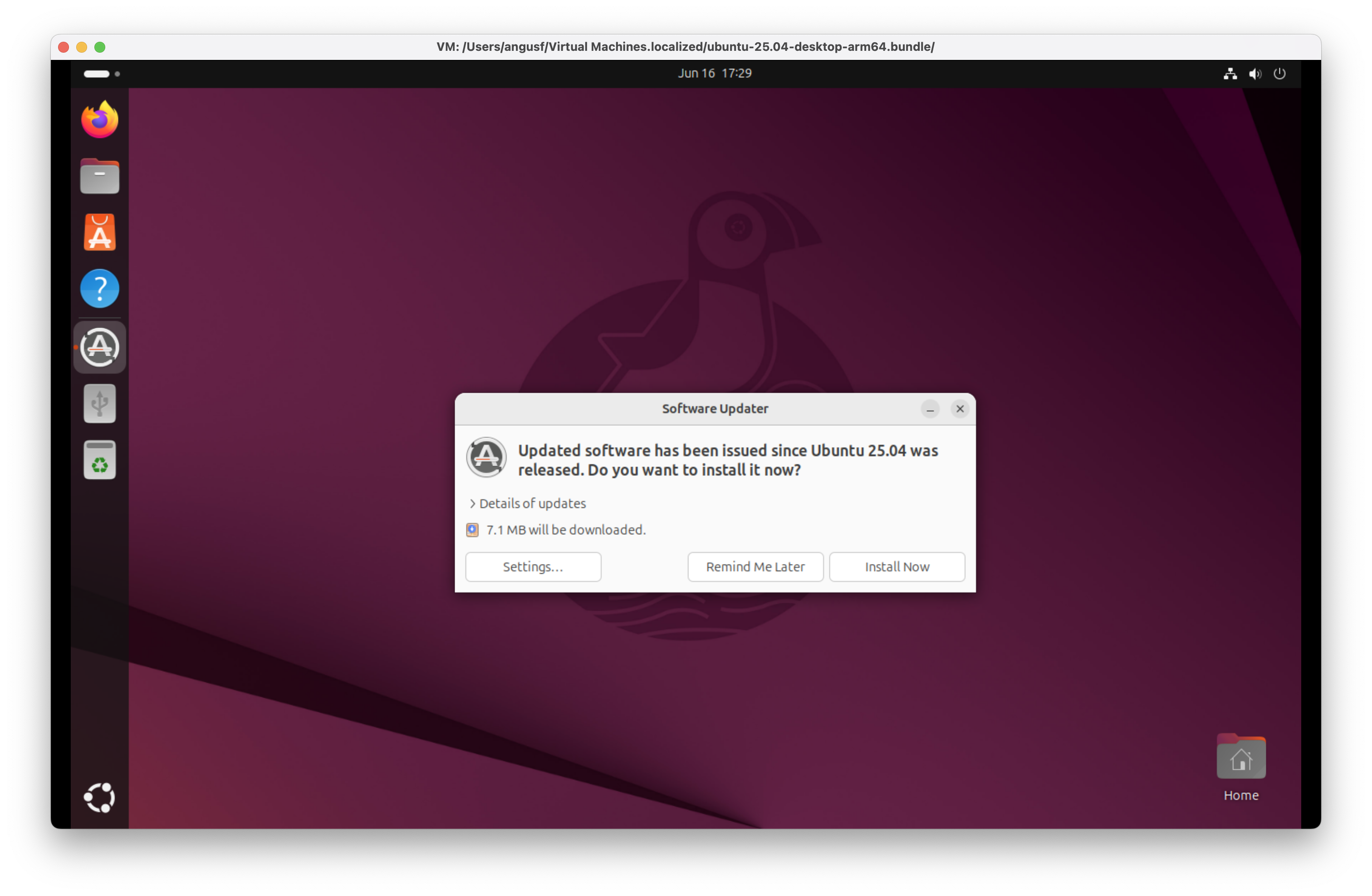
Ubuntu 25.04 for Arm (Plucky Puffin) - Software updater
Ubuntu 25.04 Plucky Puffin desktop has some updates since the download image was built. Install Now.
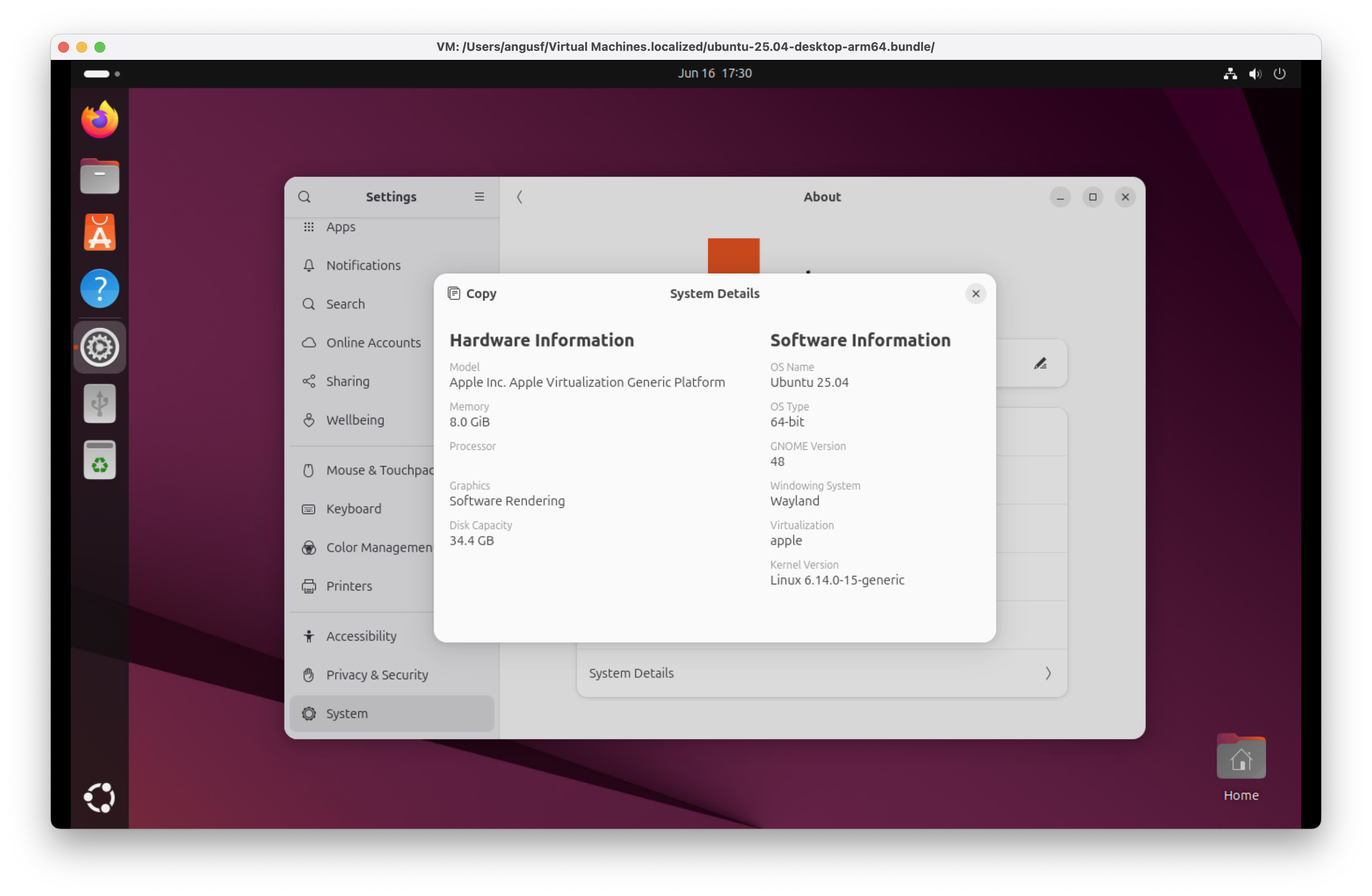
Ubuntu 25.04 for Arm (Plucky Puffin) - System details
Ubuntu 25.04 Plucky Puffin running Wayland, under Apple virtualization. Job done!
No need for VMware Fusion on Apple silicon?
The honest answer is still: it depends. VMware Fusion remains the right tool if you need a Windows 11 Arm VM with polished integration — shared folders, clipboard sync, and the broader Fusion feature set are hard to replicate with lighter tools. Fusion also supports Sequoia as a host, which matters if you have already upgraded.
Where Liviable and Viable pull ahead is in their focused simplicity. Viable (currently at beta 12, version 1.0.12) handles macOS VMs using the same minimal-configuration approach as Liviable handles Linux — which makes it the obvious choice for running macOS 26 Tahoe in isolation while the early-release bugs shake out. The virtualisation team at Eclectic Light has already documented issues including kernel panics in Sequoia VMs and early bugs in macOS Tahoe 26.1 affecting VMs and Finder Services, so having a sandboxed environment to absorb those surprises is genuinely useful rather than merely convenient.
Early bugs in macOS Tahoe 26.1: VMs and Finder Services
For M4 Mac owners there is an additional consideration: virtualisation on M4 hardware has introduced its own set of quirks, and it is worth checking current compatibility notes for whichever tool you choose before committing to a workflow. The pace of change across both the macOS and Linux virtualisation stacks means that guidance written even six months ago can be out of date — the release notes for Liviable and Viable are kept current and are the most reliable reference.
In short: Liviable for Linux VMs, Viable for macOS VMs, and VMware Fusion if you need Windows or a more enterprise-grade feature set. The three tools cover different ground and there is no reason you cannot run all of them side by side.
